
Projects and tasks in one view.
Move work through stages your clients can see. Inbox, Today and Upcoming are built in, with no separate project tool bolted on.
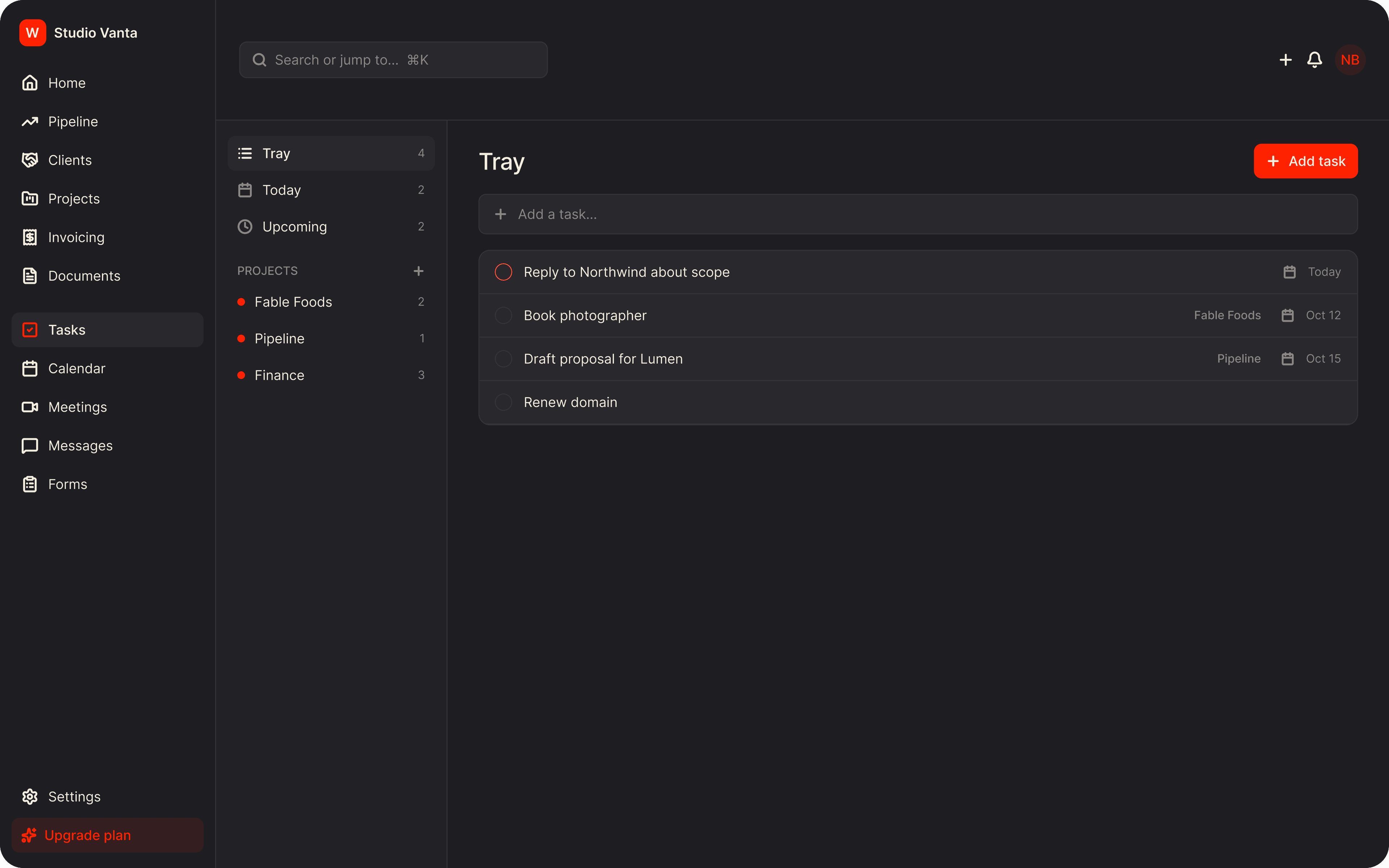
The old way. The Wundesk way.
The old way
- A project tool built for engineering teams, bent to fit client work
- Status updates written out by hand in emails
- Tasks, files and client approvals in three different places
The Wundesk way
- Stages you define, shown on every project and in the portal
- Post an update once and the client sees it in their portal
- Tasks, files and updates together on one project page
Why Wundesk Projects & Tasks?
Everything it does, in detail.
01
Stages that match how you deliver.
Create workflows with your own named, colored stages and attach one to each project type.
- Define workflows with as many stages as you need
- Attach a workflow to a project type, like Brand Identity or Website Redesign
- A stage tracker on each project; click a step to move there
- Prefer simple? Use plain statuses: Planning, In Progress, On Hold, Completed, Cancelled
02
See projects the way you think.
Switch views, filter, sort and save the setups you use most.
- List, Board, Table, Timeline and Calendar views
- Filter by name, status, client, start date and due date
- Sort by multiple rules and group by status or client
- Save, pin and rename your own views
03
Tasks without the clutter.
Everything a task needs, and a detail panel that gets out of your way.
- List or board, grouped by your own statuses
- Nested subtasks, with drag-and-drop to reorder
- Task types such as Milestone, Feedback, Handoff and Wireframe
- Custom fields: dropdown, text, date, number, labels and more
04
Keep the client in the loop.
Decide per task, file and update what the client can see, and hand them tasks of their own.
- Mark items client-visible or internal-only
- Assign a task to a team member or to a client contact
- Upload files and share them with the client
- Post project updates, visible to the client or internal only
How it works. Three steps.
- 1
Set up your workflow
Define stages once and attach them to the kinds of project you do.
- 2
Create the project
Pick a client and a type, set dates and owners, and choose what shows in the portal.
- 3
Deliver in the open
Work through tasks, post updates and move the stage. The client sees it all.
Plus everything you'd expect.
Personal task manager
Tray, Today and Upcoming for your own to-dos, with P1 to P4 priorities.
Project stats
Tasks done, files shared and time logged on every project.
Calendar color
Give each project a color on the calendar view.
Project owners
Assign several owners from your team.
Custom statuses
Rename, recolor, reorder and add task statuses per project.
Custom task types
Turn types on or off, or create your own.
Stop stitching tools together.
Everything a freelancer needs to run client work, in one place, from $9/mo.