
Wundesk vs. ClickUp
ClickUp is a flexible work management platform for teams of every kind. Wundesk is narrower on purpose: it's built around your clients. Here's how to tell which fits the way you work.
The verdict
Choose Wundesk when work revolves around clients
If you manage complex work across a larger team, ClickUp's depth is hard to beat. If you're a freelance designer or small studio that needs one place for clients, contracts, forms, invoices and a branded portal, Wundesk covers that without the setup of a general-purpose tool.
Three key differences
Organized around tasks, or around clients
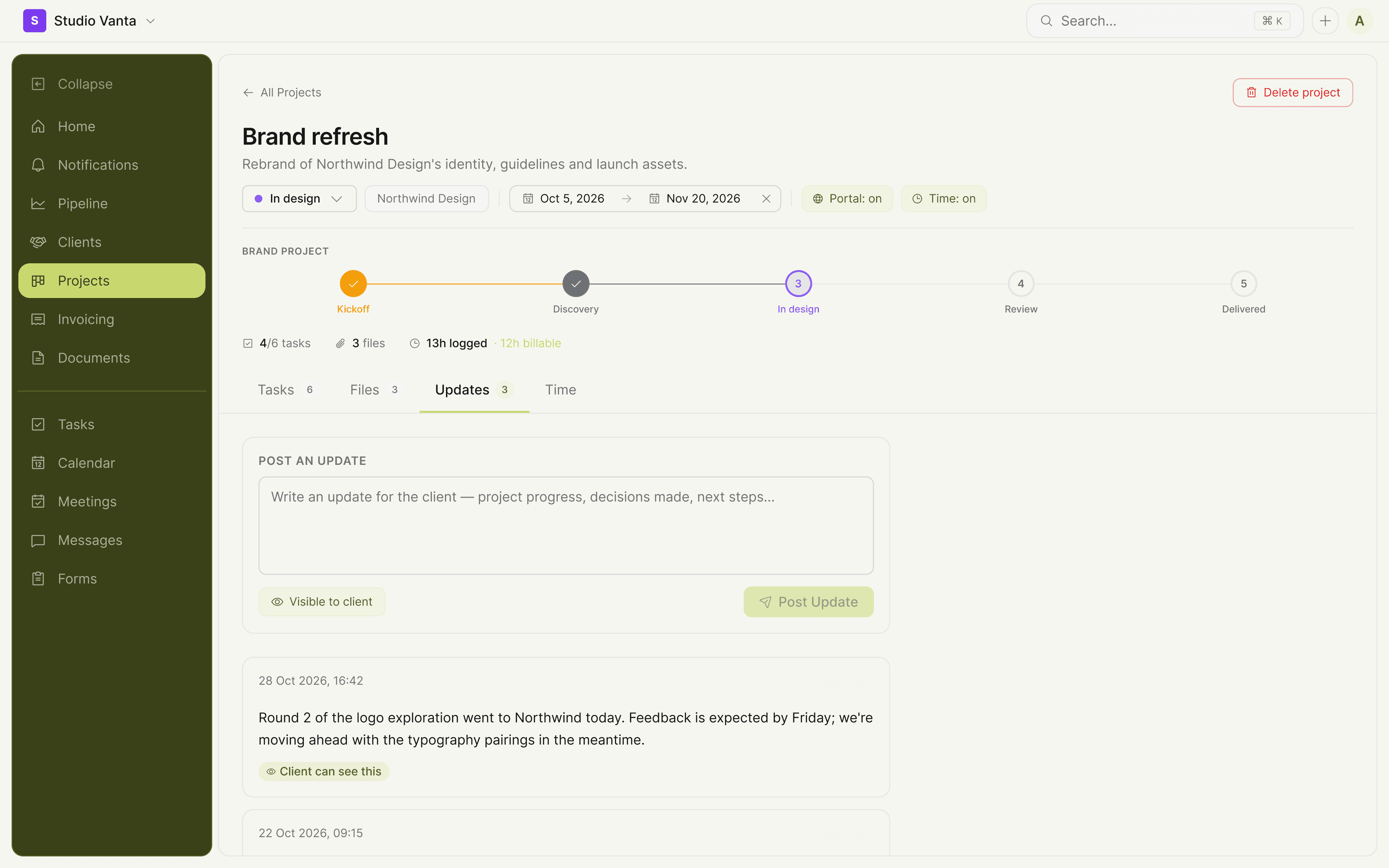
ClickUp structures work as tasks inside Lists and Spaces, which suits almost any team. Wundesk structures everything around the client: contacts, projects, documents, forms, invoices and their portal all hang off one client record.
How clients see your work
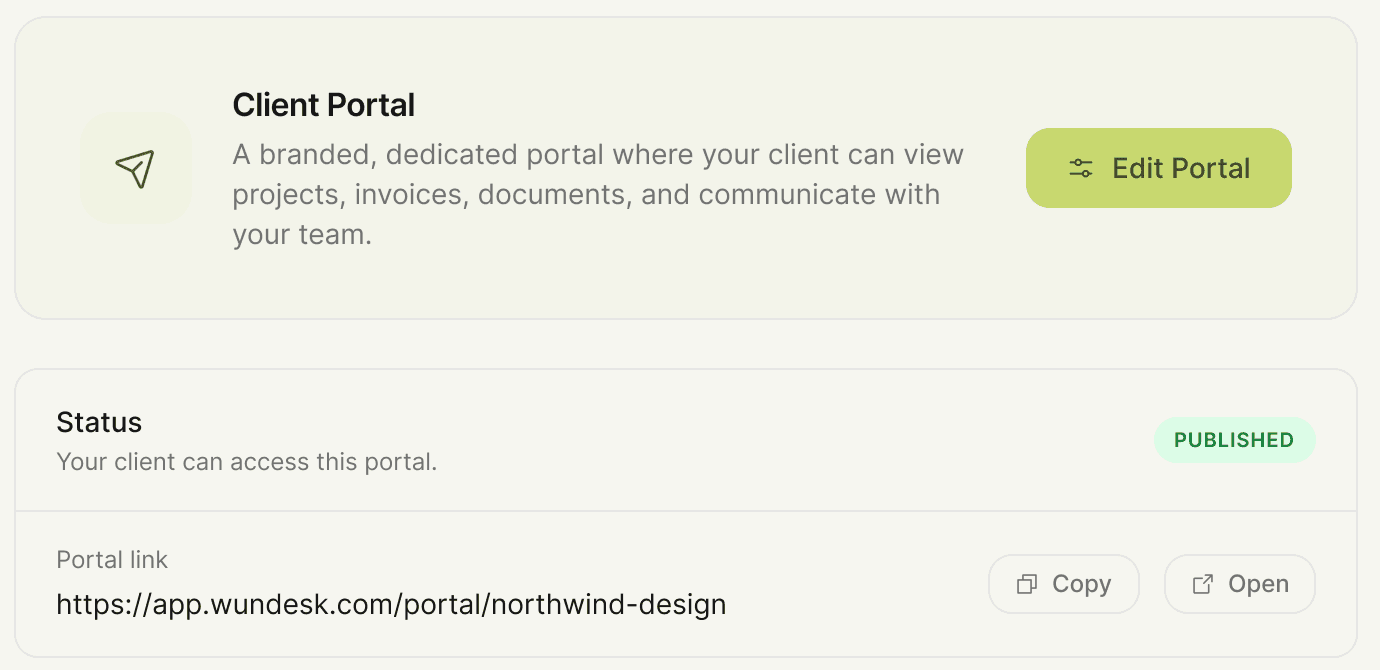
ClickUp lets you invite clients as guests who only see what you share. Wundesk gives each client a branded portal with your logo, colors and fonts, opened from a link, with no account to create.
Where billing lives
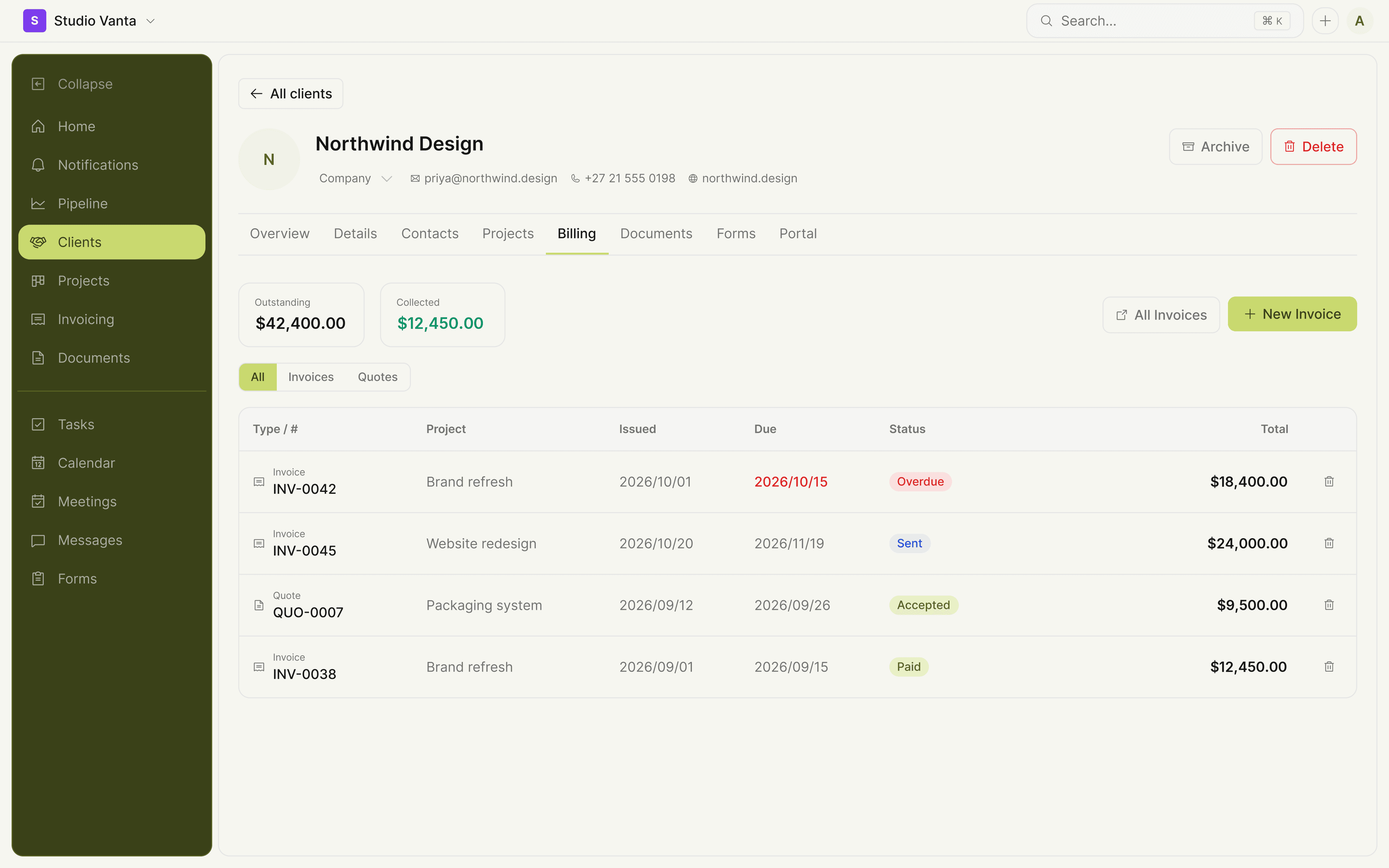
ClickUp tracks billable time and connects to invoicing tools such as Harvest. Wundesk keeps time tracking, invoices and quotes in the same workspace as the project.
See the difference
Wundesk vs. ClickUp compared
A fair look at what each tool is built to do.
Compared November 2026
Client portal
Where clients see their projects, files and invoices.
 wundeskBranded portal per client, no client account needed
ClickUp
Invite clients as guests who see what you shareInvoices & quotes
Billing clients for the work.
wundeskInvoices, quotes and payment plansClickUp
Via integrationsOnline payments
Whether clients can pay from within the tool.
wundeskShare invoice links and record payments. Online payments aren't available yetClickUp
Via integrationsTime tracking
Logging hours against clients and projects.
wundeskTimer, timesheets, billable hours, CSV exportClickUp
Timers, timesheets, billable timeContracts
Agreements clients can review.
wundeskDocuments and templatesClickUp
Via integrationsProjects & tasks
Planning and tracking the work itself.
wundeskProjects, tasks, board view, custom stagesClickUp
Tasks, dependencies, List, Board, Gantt and Calendar viewsSales pipeline & leads
Following new work from first hello to won.
wundeskSales pipeline with stages you defineClickUp
Build your own with Lists and templatesForms
Collecting briefs and information from clients.
wundeskForms you publish to clientsClickUp
Submissions become tasksMessaging
How conversations are handled.
wundeskBusiness-to-client threads in the portalClickUp
Team Chat with channels and DMs
Inside Wundesk
A quick look at the product.
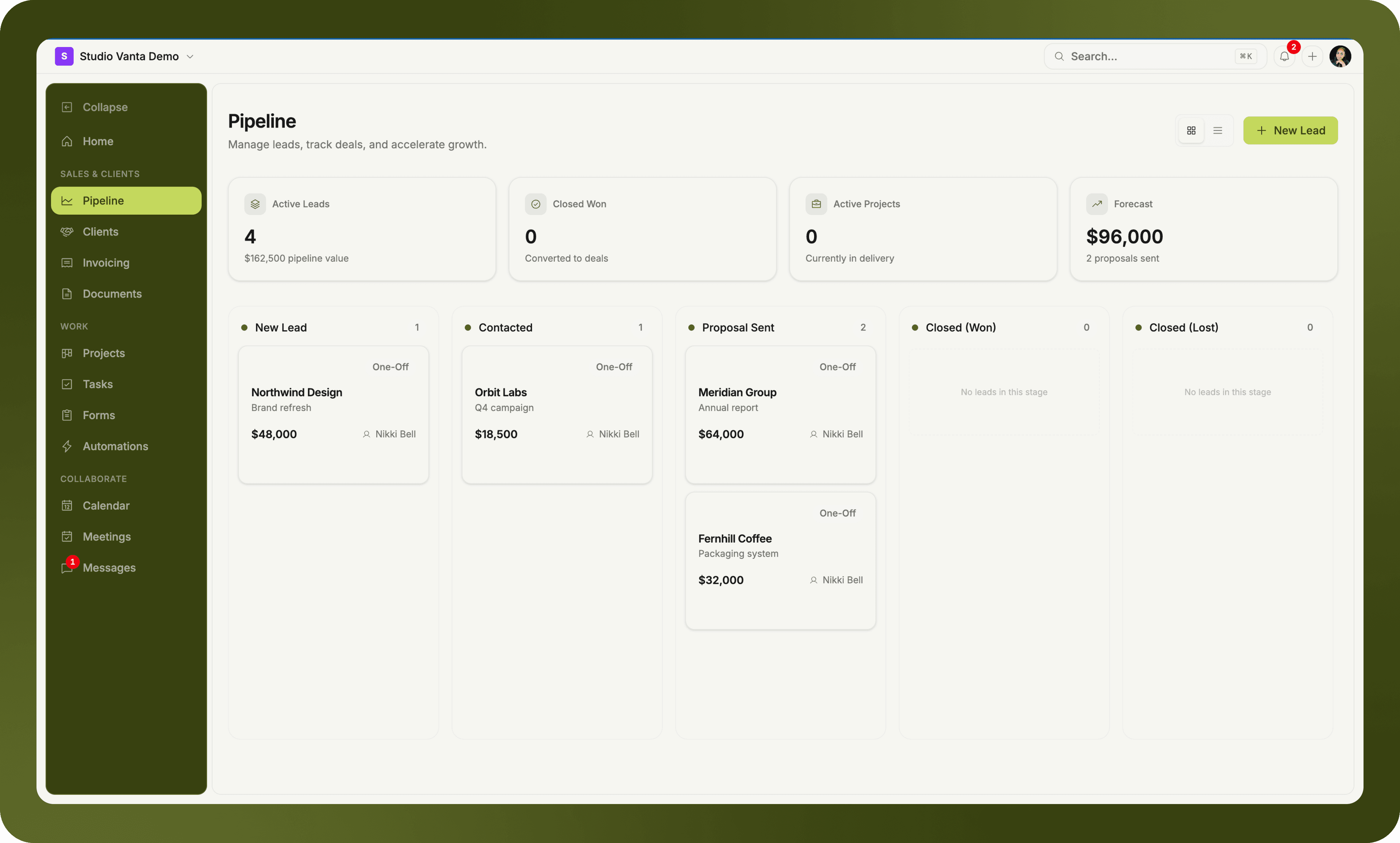
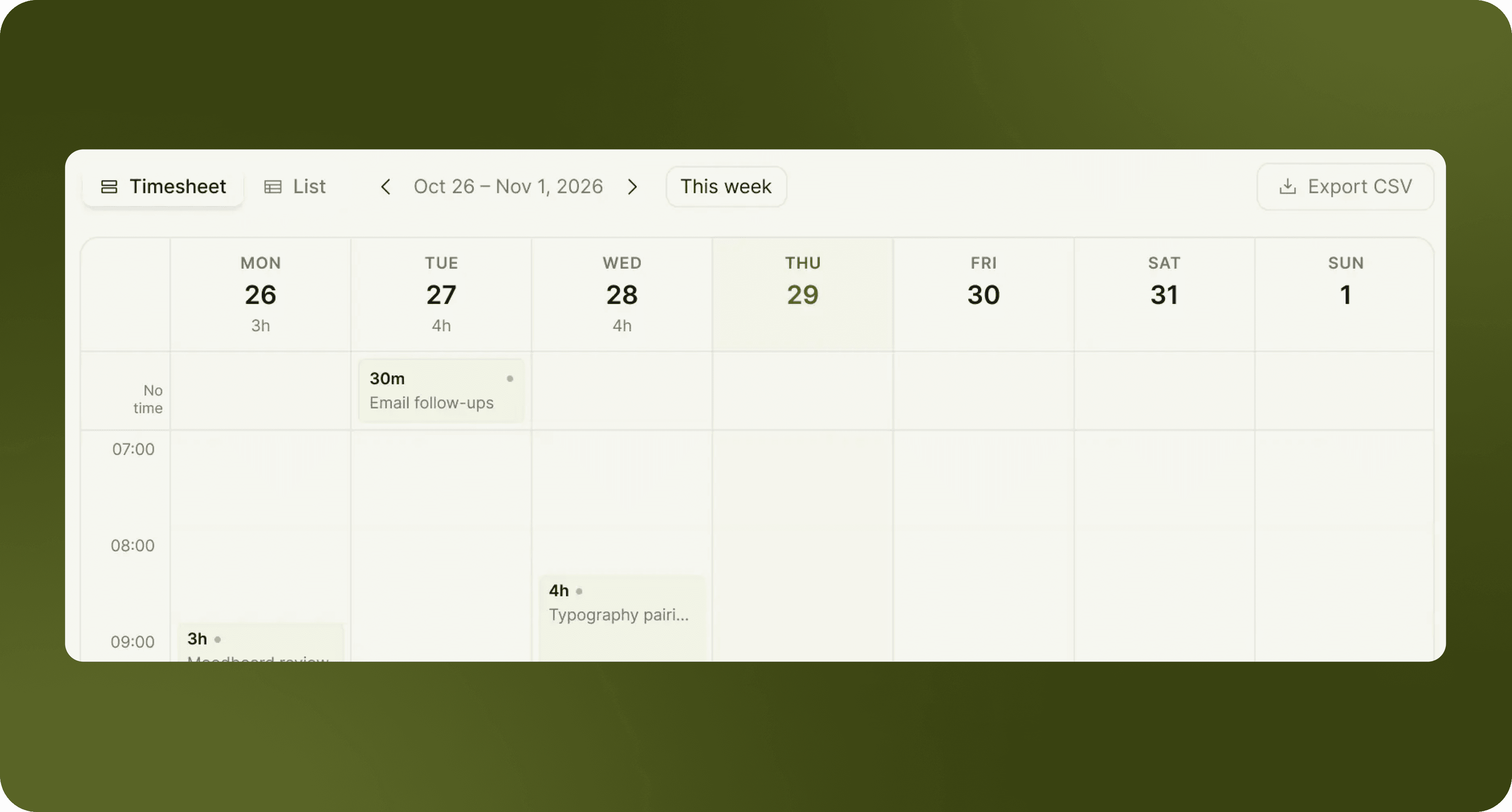
Screens from the Wundesk beta, so you can see how the pieces fit together.
Strengths
What each does especially well.
ClickUp
- Deep task management with List, Board, Gantt and Calendar views, subtasks and dependencies
- Docs, Whiteboards, Chat and Dashboards in one platform
- Automations and AI features for teams that want to streamline repetitive work
- Room to grow into larger, cross-functional teams
Wundesk
- A branded client portal that needs no client account
- Contracts, forms and invoices on the same client record
- A sales pipeline made for service work, without a CRM built for a sales team
- A narrower product, so there's less to configure before it's useful
Decision guide
Both are good. It depends on how you work.
Choose Wundesk if…
- You're a freelance designer or small creative studio
- You want clients to log in to nothing and still see their project, files and invoices
- You'd rather have contracts, forms and billing built in than assembled from integrations
Choose ClickUp if…
- You manage work well beyond client projects, such as sprints, ops or large teams
- You rely on Gantt charts, dependencies or dashboards
- You want one tool for every department
FAQ
Common questions.
Can I use Wundesk and ClickUp together?
Yes. They cover different needs, so you could keep internal planning in ClickUp and use Wundesk for the client-facing side of your work.
Does ClickUp have a client portal?
ClickUp lets you invite clients and contractors as guests who see only what you share, and you can share public links to some items. Wundesk's portal is a separate branded space per client, with projects, files, documents, invoices and messages in one link.
Is Wundesk a ClickUp replacement?
For client work at a freelance or small-studio scale, it can be. For broader team work, ClickUp does a lot that Wundesk isn't designed to do.
Is Wundesk available today?
Wundesk is currently in beta. You can request beta access from the waitlist.
Wundesk is in beta. Join the waitlist and we'll be in touch.