
Wundesk vs. Harvest
Harvest is a focused, well-loved tool for time tracking and invoicing. Wundesk covers a wider slice of the client workflow. Here's where each one fits.
The verdict
Choose Wundesk when time is one part of the story
If your priority is tracking time and getting paid, Harvest does that with real depth, including online payments and reporting. If you want time tracking as one part of a client workspace that also holds the portal, contracts, forms and projects, Wundesk is worth a look.
Three key differences
Time and billing, or the whole client relationship
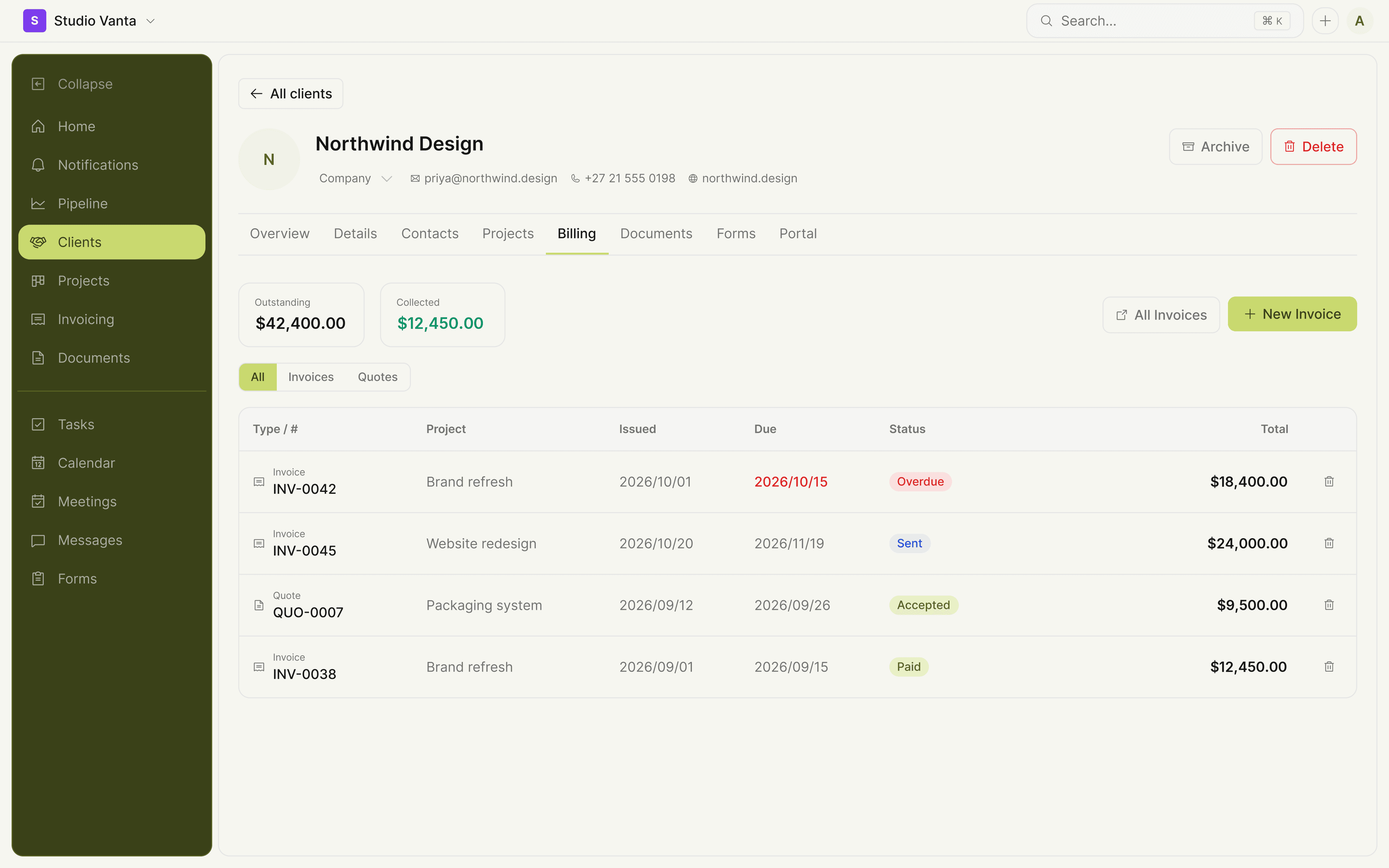
Harvest is built around time, expenses and invoices, and goes deep on each. Wundesk includes time tracking and invoicing too, alongside the client portal, contracts, forms, projects and a sales pipeline.
How clients experience it
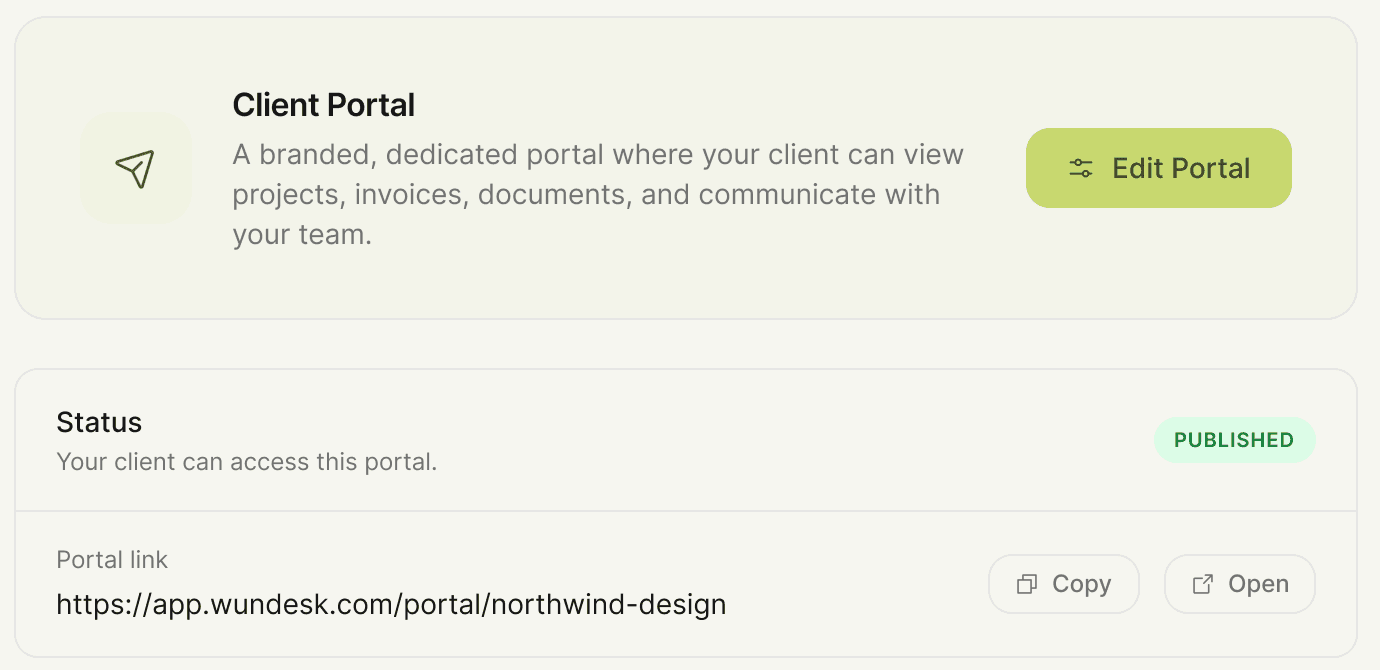
With Harvest, clients receive invoices they can view and pay online. With Wundesk, clients get a branded portal where invoices sit next to their projects, files, documents and messages.
Getting paid
Harvest lets clients pay from the invoice, and sends automatic overdue reminders. Wundesk lets you share invoice links and record payments, and doesn't process online payments yet.
See the difference
Wundesk vs. Harvest compared
A fair look at what each tool is built to do.
Compared November 2026
Client portal
Where clients see their projects, files and invoices.
 wundeskBranded portal per client, no client account needed
Harvest
Clients view invoices onlineInvoices & quotes
Billing clients for the work.
wundeskInvoices, quotes and payment plansHarvest
From tracked time and expenses, with recurring invoicesOnline payments
Whether clients can pay from within the tool.
wundeskShare invoice links and record payments. Online payments aren't available yetHarvest
Clients can pay from the invoiceTime tracking
Logging hours against clients and projects.
wundeskTimer, timesheets, billable hours, CSV exportHarvest
Timers, timesheets, approvals, budgets and reportsContracts
Agreements clients can review.
wundeskDocuments and templatesHarvest
Not its focusProjects & tasks
Planning and tracking the work itself.
wundeskProjects, tasks, board view, custom stagesHarvest
Projects and tasks for time and budgetsSales pipeline & leads
Following new work from first hello to won.
wundeskSales pipeline with stages you defineHarvest
Not its focusForms
Collecting briefs and information from clients.
wundeskForms you publish to clientsHarvest
Not its focusMessaging
How conversations are handled.
wundeskBusiness-to-client threads in the portalHarvest
Not its focus
Inside Wundesk
A quick look at the product.
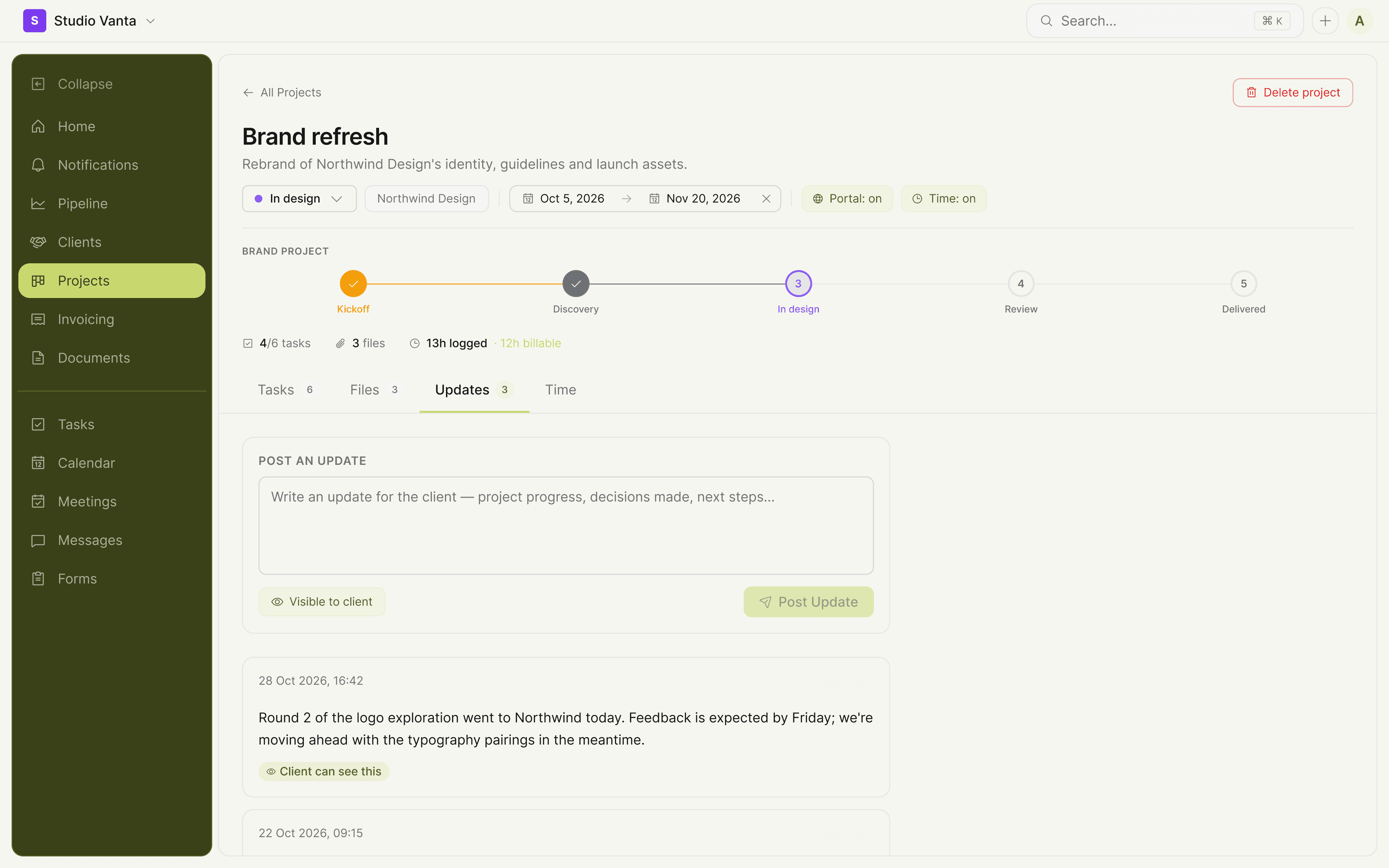
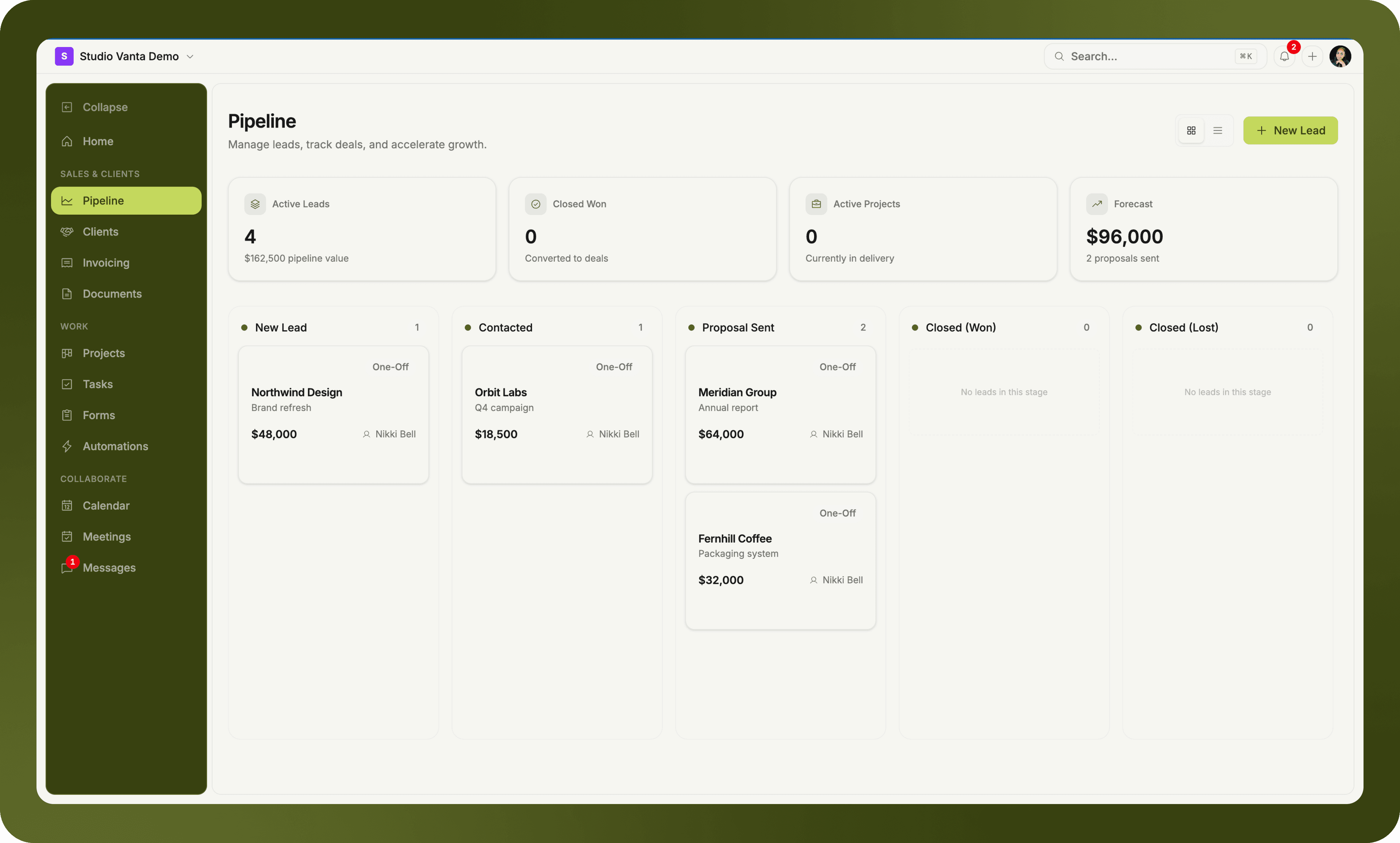
Screens from the Wundesk beta, so you can see how the pieces fit together.
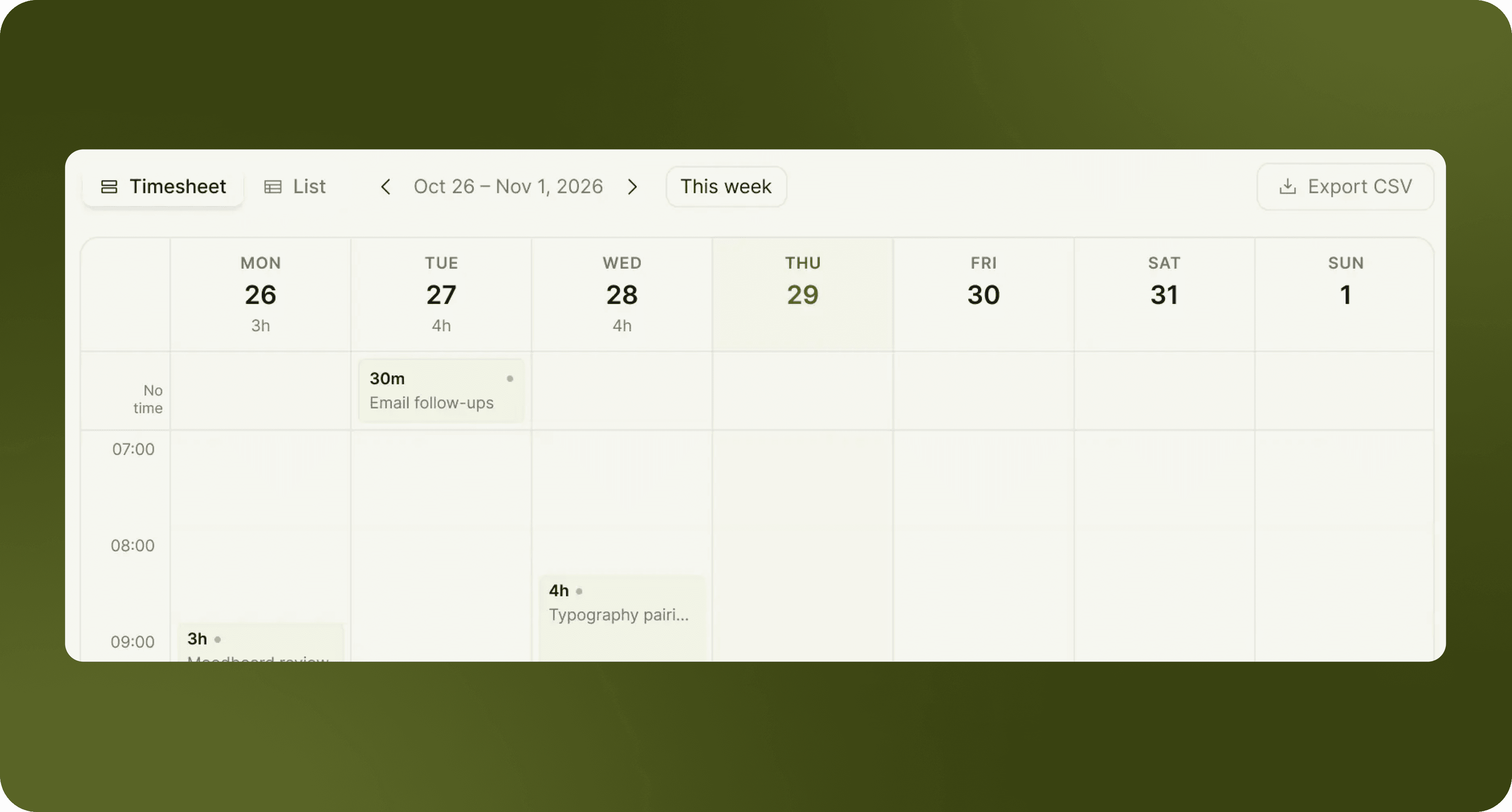
Strengths
What each does especially well.
Harvest
- Mature time tracking with timesheet approvals, budgets and team utilization
- Expense tracking, including billable expenses rolled into invoices
- Recurring invoices, online payments and automatic reminders
- Reporting, profitability views and over 40 integrations
Wundesk
- A branded client portal alongside time and billing
- Contracts and forms in the same workspace
- Projects and tasks that clients can follow
- A sales pipeline for tracking leads before they become projects
Decision guide
Both are good. It depends on how you work.
Choose Wundesk if…
- You want one workspace for the whole client journey
- A branded portal matters to how you present your work
- You want contracts, forms and projects without adding more tools
Choose Harvest if…
- Time tracking and getting paid online are your top priorities
- You need expenses, utilization reports or project budgets
- You already run contracts and projects elsewhere and just need great billing
FAQ
Common questions.
Can I use Wundesk and Harvest together?
Yes. If Harvest's time and payment features are central to you, you could keep it for billing and use Wundesk for the portal, contracts, forms and projects.
Does Wundesk track time?
Yes. You can run a timer or log time manually on a project, mark it billable, review it in a timesheet and export it as CSV. Harvest goes further on approvals, budgets and reporting.
Can clients pay invoices in Wundesk?
Not online yet. You can share an invoice link and record payments as they come in. If online payment is essential today, Harvest is a good choice.
Is Wundesk available today?
Wundesk is currently in beta. You can request beta access from the waitlist.
Wundesk is in beta. Join the waitlist and we'll be in touch.