
Wundesk vs. Notion
Notion is a flexible workspace where you build your own docs, wikis, projects and databases. Wundesk arrives ready-made for running client work. Here's how they differ.
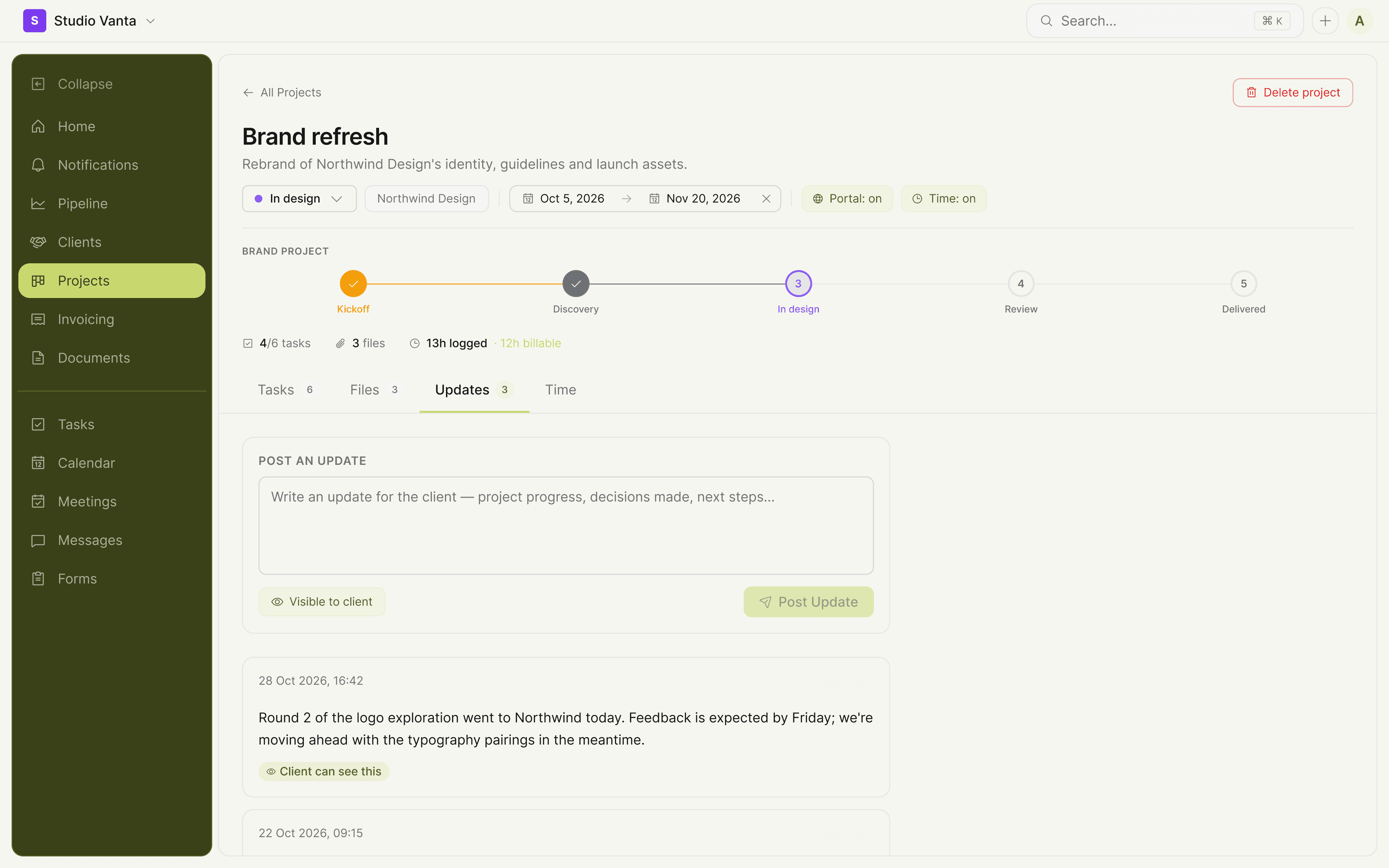
The verdict
Choose Wundesk when you'd rather not build it yourself
If you love shaping your own system, Notion gives you the building blocks to do it. If you'd rather start with clients, projects, contracts, forms and invoices already connected, and a branded portal to share, Wundesk is built for that out of the box.
Three key differences
Blank canvas, or ready-made
Notion gives you flexible blocks and databases, and you design the client tracker, project board and invoice template yourself. Wundesk ships with clients, projects, invoices, documents and forms already connected to each other.
Sharing with clients
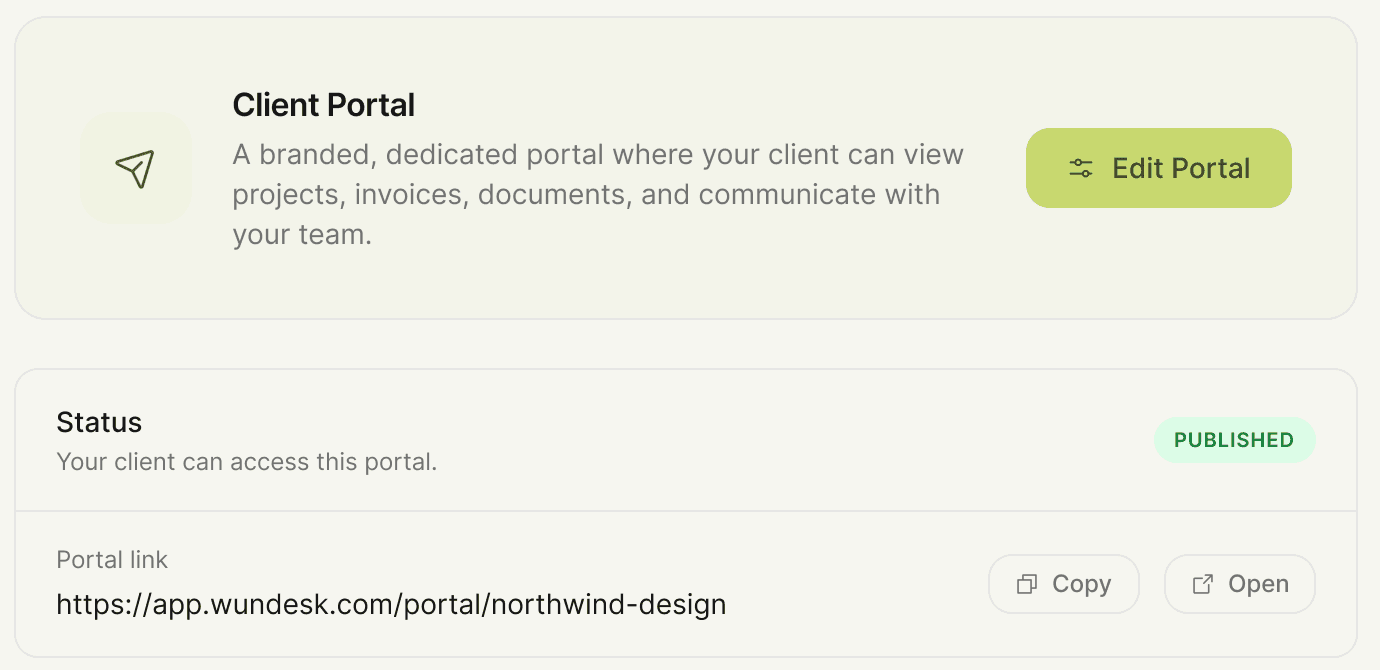
In Notion you can share pages with the people you choose. In Wundesk each client gets a branded portal with their projects, files, documents, invoices and messages behind one link.
Contracts and invoices
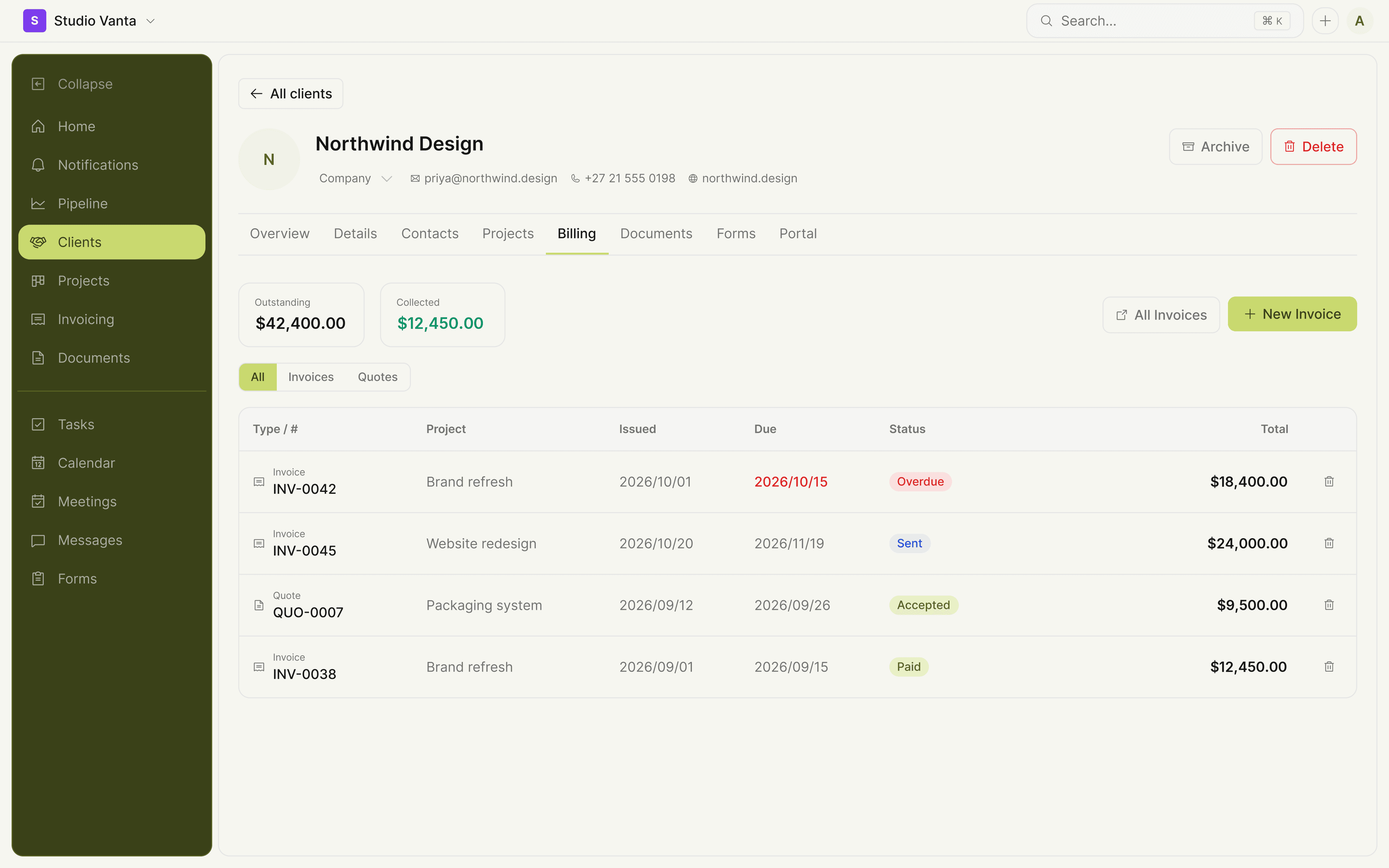
A Notion page can hold an agreement or an invoice template, and payments usually come from other tools. Wundesk has documents and invoices and quotes built in.
See the difference
Wundesk vs. Notion compared
A fair look at what each tool is built to do.
Compared November 2026
Client portal
Where clients see their projects, files and invoices.
 wundeskBranded portal per client, no client account needed
Notion
Share pages with clients and build your own layoutInvoices & quotes
Billing clients for the work.
wundeskInvoices, quotes and payment plansNotion
Build templates or use integrationsOnline payments
Whether clients can pay from within the tool.
wundeskShare invoice links and record payments. Online payments aren't available yetNotion
Via integrationsTime tracking
Logging hours against clients and projects.
wundeskTimer, timesheets, billable hours, CSV exportNotion
Via templates or integrationsContracts
Agreements clients can review.
wundeskDocuments and templatesNotion
Write the document in NotionProjects & tasks
Planning and tracking the work itself.
wundeskProjects, tasks, board view, custom stagesNotion
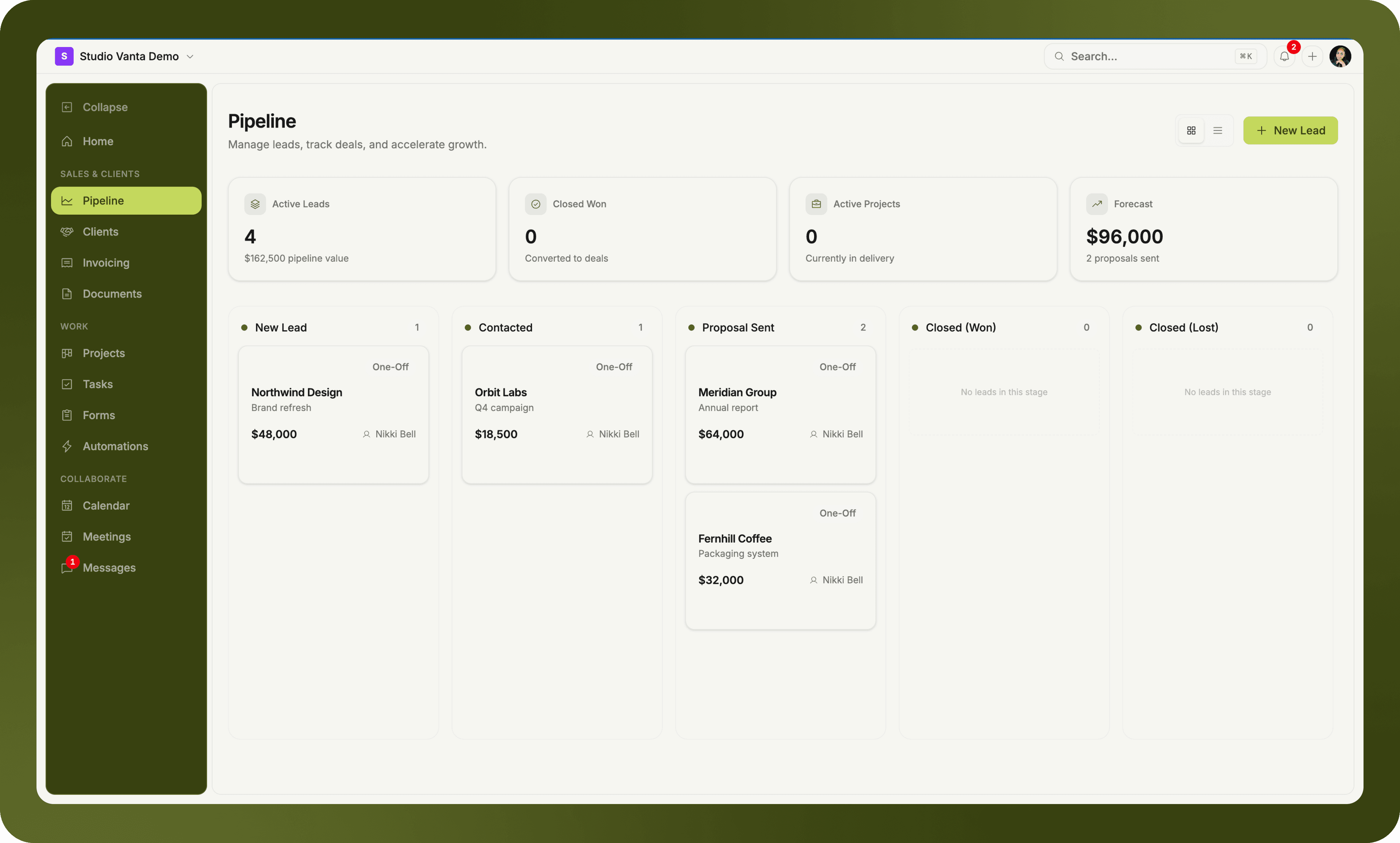
Flexible databases with board, timeline and calendar viewsSales pipeline & leads
Following new work from first hello to won.
wundeskSales pipeline with stages you defineNotion
Build your own in a databaseForms
Collecting briefs and information from clients.
wundeskForms you publish to clientsNotion
Forms that feed a databaseMessaging
How conversations are handled.
wundeskBusiness-to-client threads in the portalNotion
Page comments and mentions
Inside Wundesk
A quick look at the product.
Screens from the Wundesk beta, so you can see how the pieces fit together.
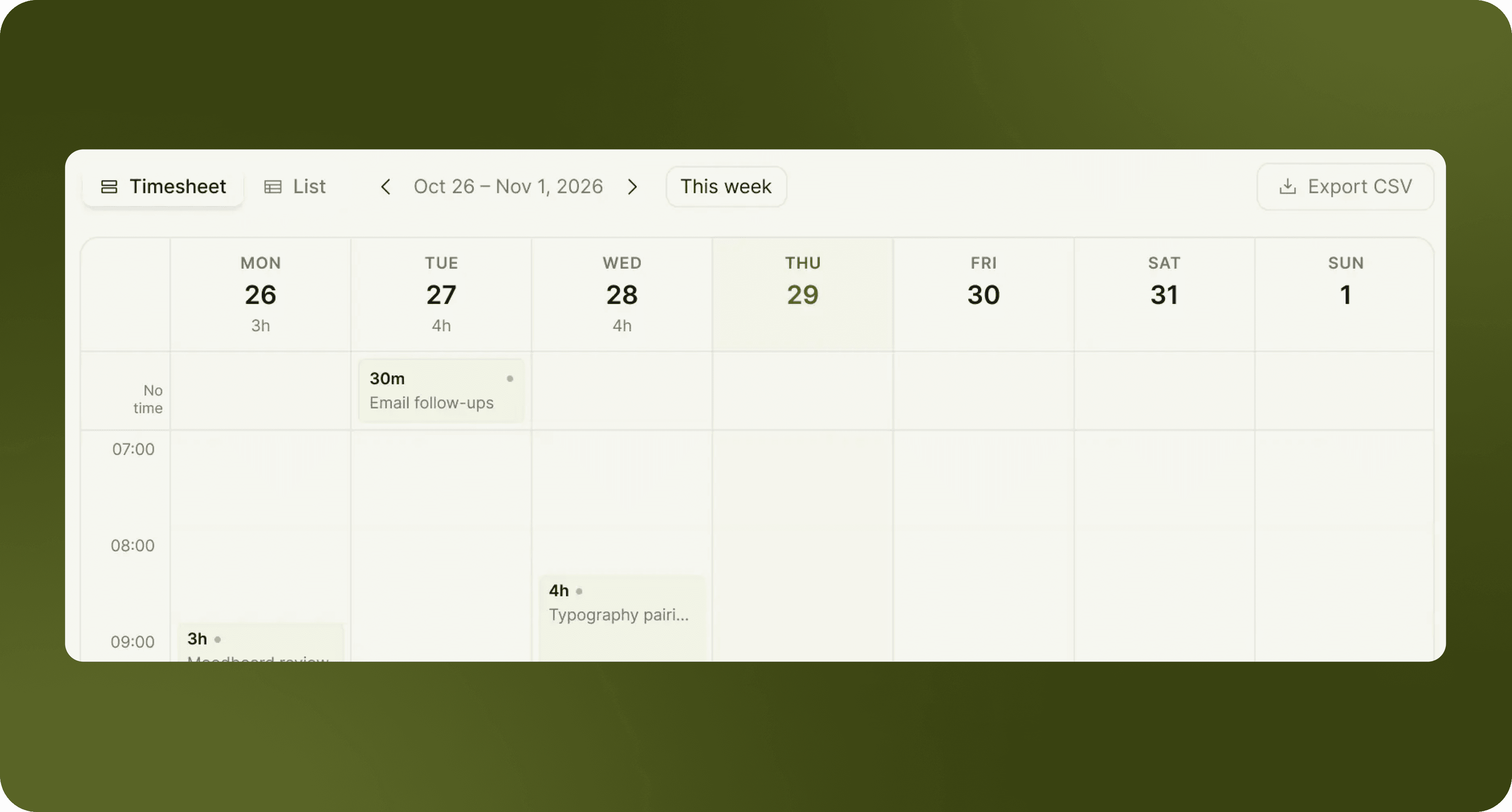
Strengths
What each does especially well.
Notion
- Extremely flexible docs, wikis and databases that adapt to almost any workflow
- A strong fit for team knowledge, notes and internal documentation
- AI features for finding answers and automating tasks across your workspace
- A huge range of templates and a big community to learn from
Wundesk
- Client management, projects and billing connected from day one
- A branded portal per client, so you're not designing a share page each time
- Forms and invoices that work together without extra tools
- Less to build and maintain before it's useful
Decision guide
Both are good. It depends on how you work.
Choose Wundesk if…
- You'd rather not build and maintain your own client system
- You want a branded portal for each client
- You need forms and invoices that connect to each project
Choose Notion if…
- You enjoy designing your own workspace and want total flexibility
- Your main need is docs, notes and team knowledge
- You work solo or internally and don't need a client-facing portal
FAQ
Common questions.
Can I use Wundesk and Notion together?
Yes. Notion is a good home for notes, wikis and internal documentation, and Wundesk handles the client-facing work. They don't compete for the same job.
Can I run client work in Notion?
Many people do, by building their own databases and templates. It works well if you enjoy that kind of setup. Wundesk removes the setup by shipping those pieces ready-made.
Does Wundesk have docs like Notion?
Wundesk has Documents for contracts and agreements, with templates. It isn't a general-purpose wiki or notes tool, which is where Notion shines.
Is Wundesk available today?
Wundesk is currently in beta. You can request beta access from the waitlist.
Wundesk is in beta. Join the waitlist and we'll be in touch.