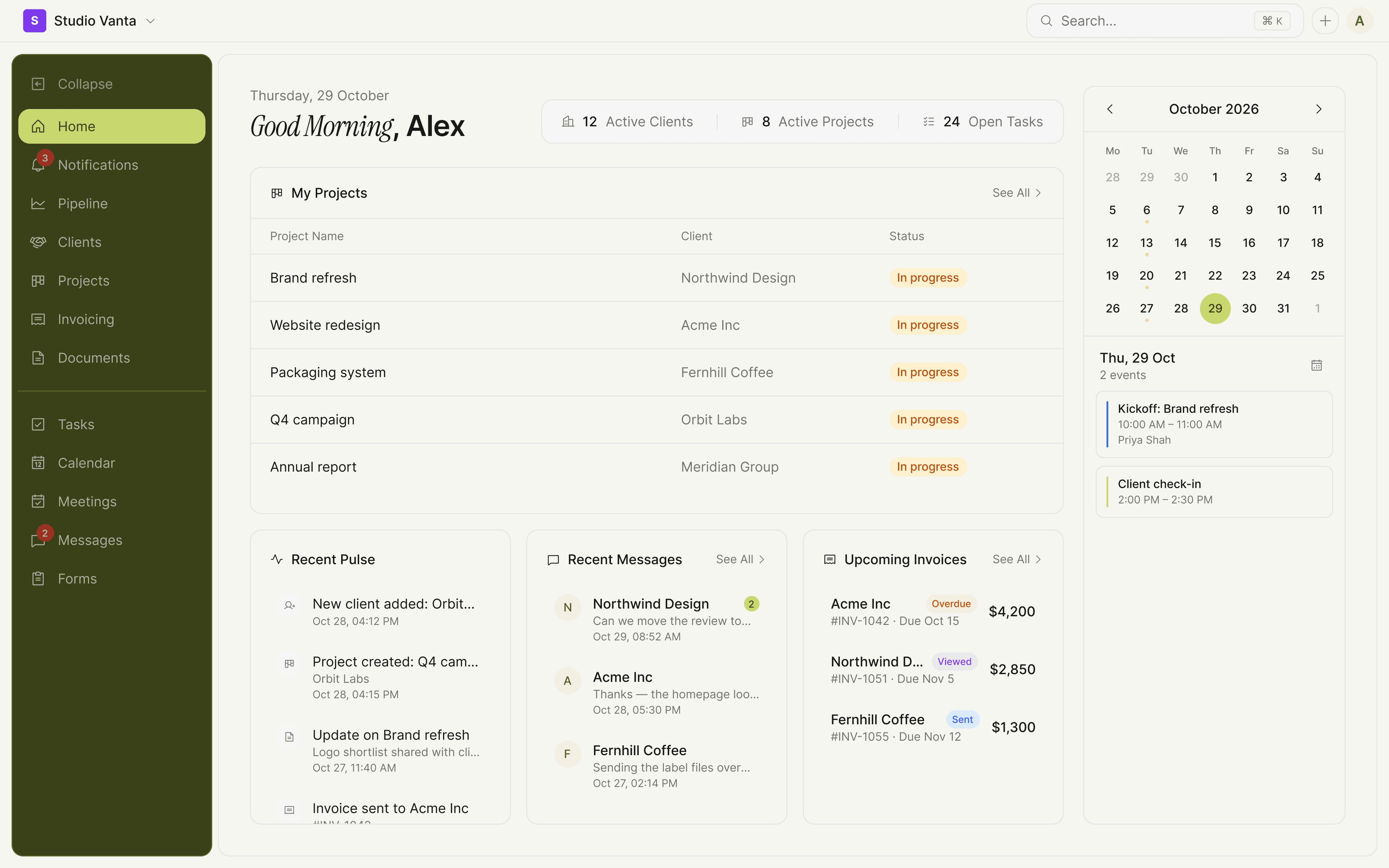
Automate the routine follow-ups, reminders, and tasks that keep your business moving. Set up what should happen when something changes, and let Wundesk take care of the next step while you focus on the work.
Never let an important moment go unanswered
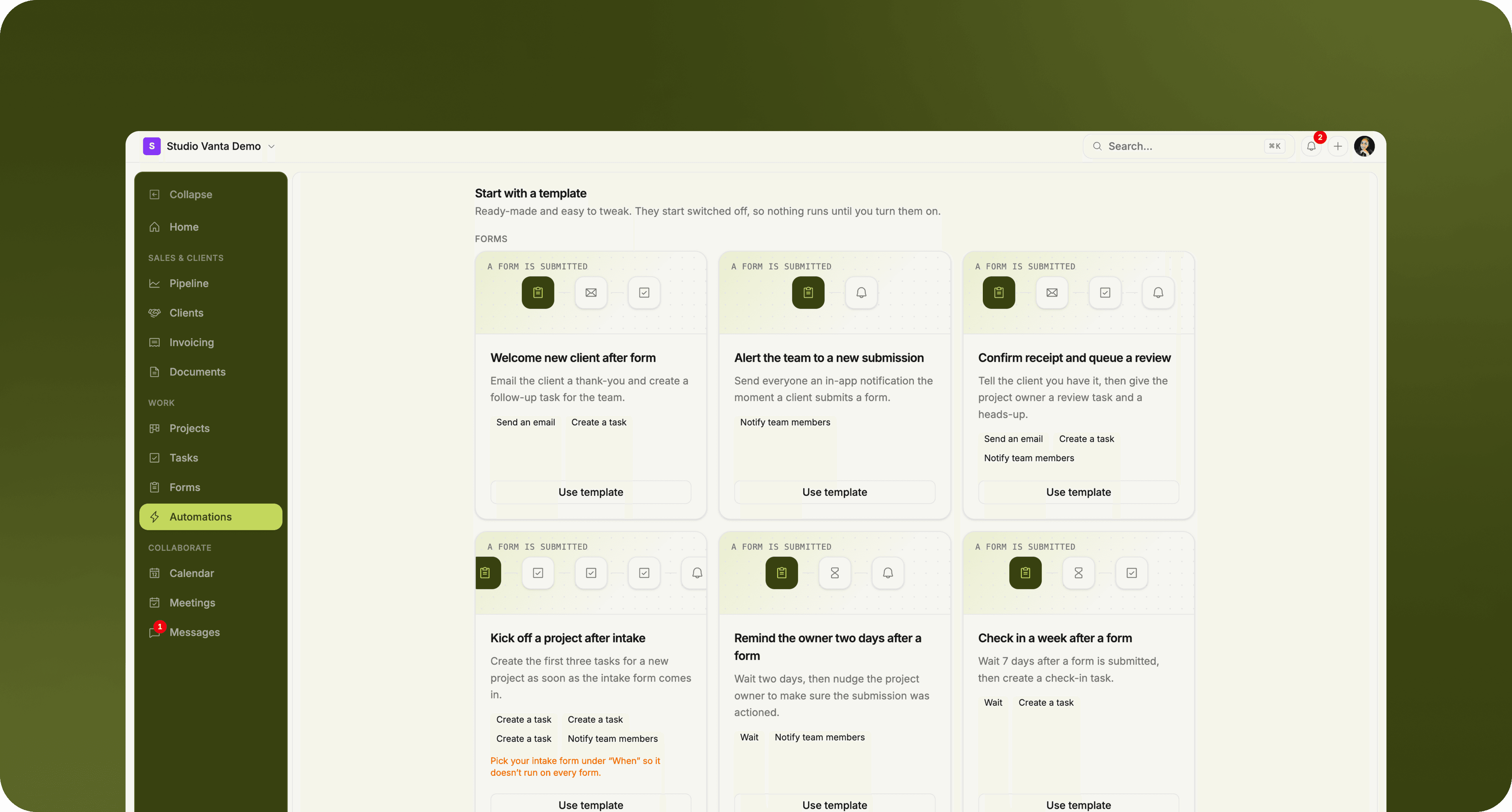
Your clients shouldn't have to wait for a response because you're busy finishing a project or working with someone else. With Wundesk, you can create automations that start when specific events happen in your workspace. Whether a client submits a form or a task gets completed, Wundesk can take the next step automatically, keeping your business moving without relying on you to remember every follow-up.
Make sure every action reaches the right person
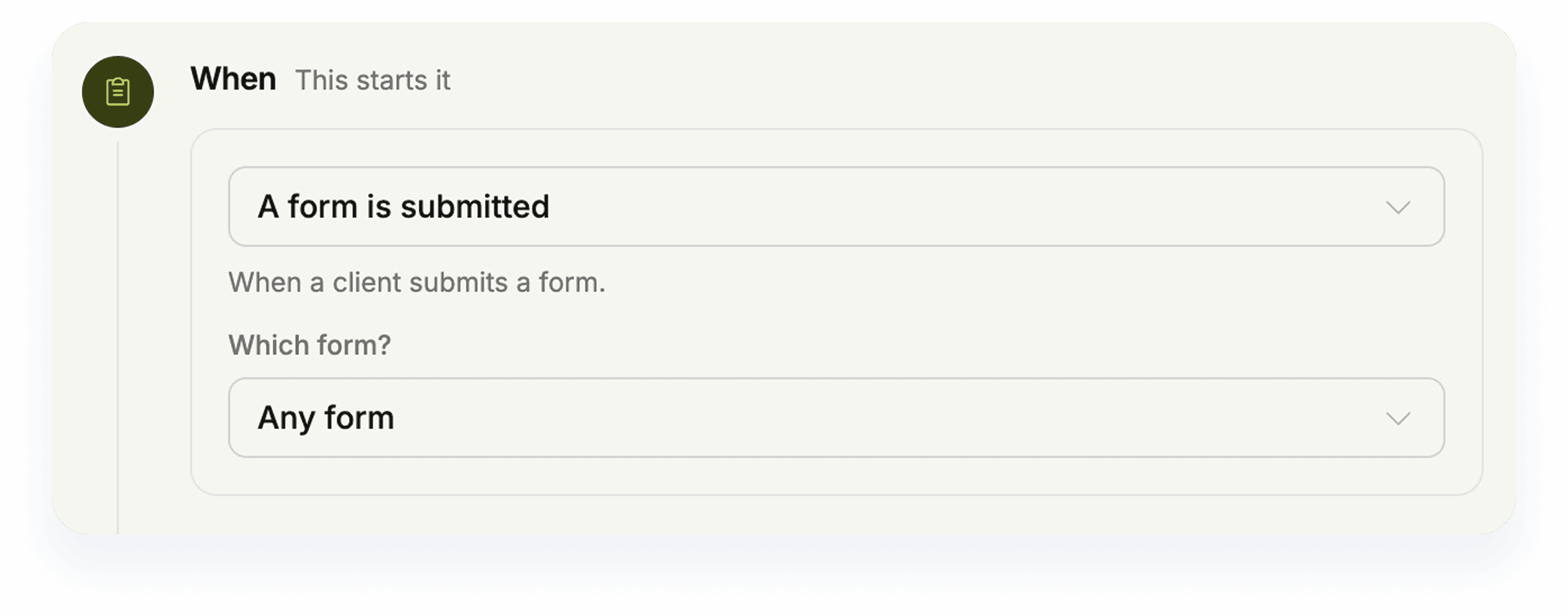
Not every situation calls for the same response. A message intended for one client shouldn't accidentally go to another, and an internal task shouldn't trigger a client-facing notification. Add conditions to your automations to control when they run, using details such as projects, project types, and task visibility. Make each workflow specific to the people and situations it was designed for.
Build workflows that do more than send an email
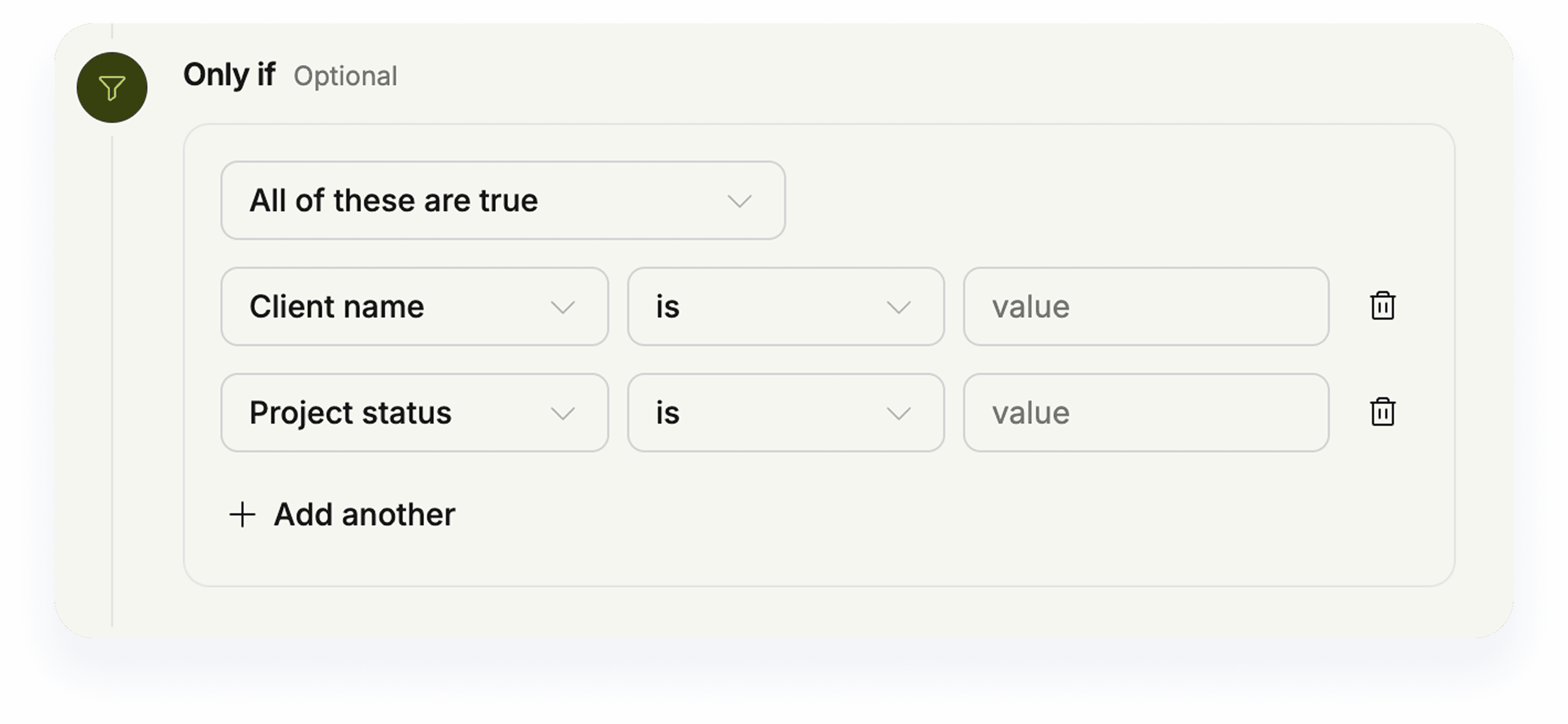
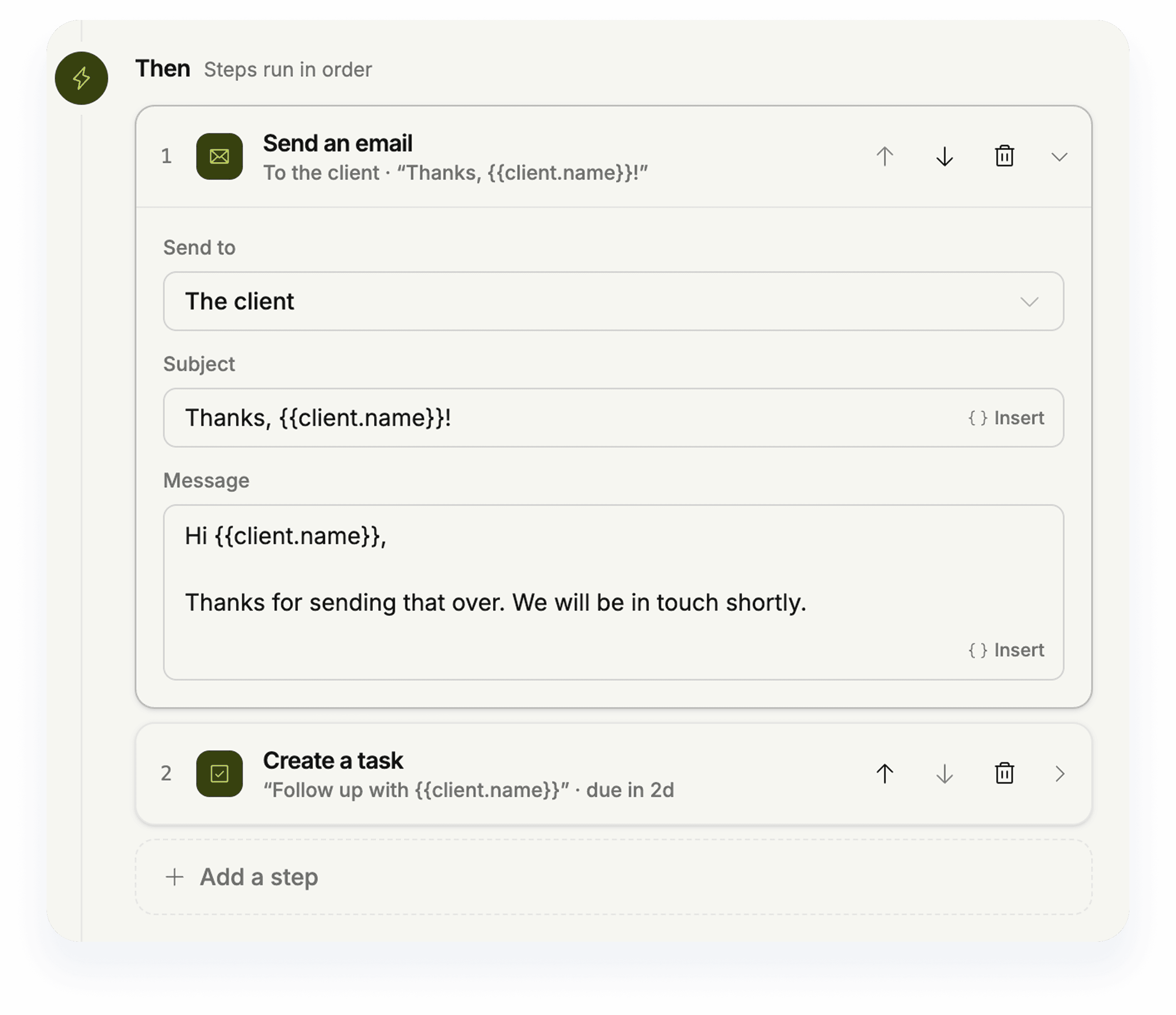
Sometimes one follow-up isn't enough. A completed form might need a thank-you email, a new task for your team, and a reminder a few days later. Wundesk lets you combine actions into a single automation, including sending emails, creating tasks, notifying team members, and adding delays between steps.
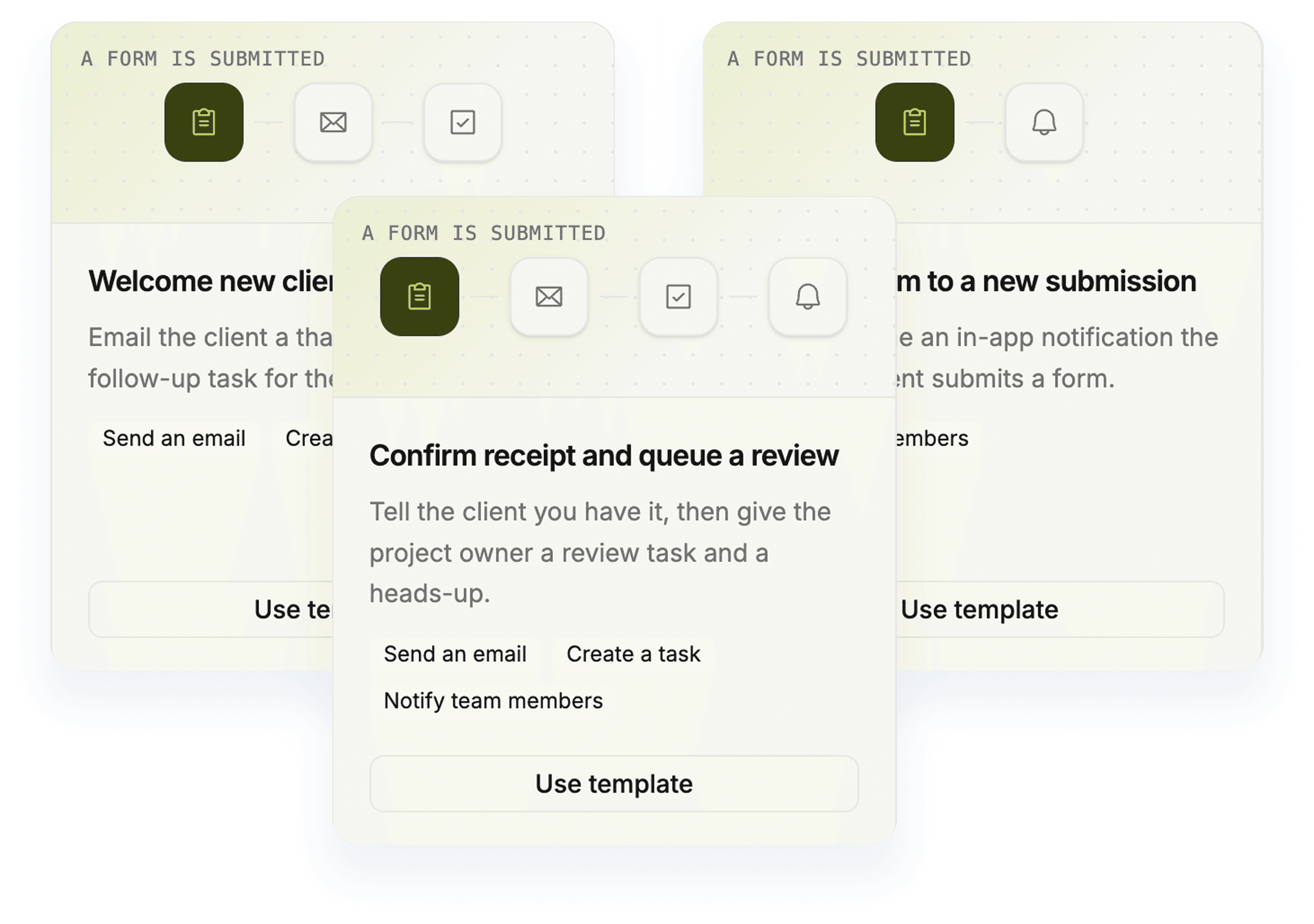
Start with a workflow that already works
You probably have a handful of routine processes that happen with almost every client. Instead of recreating them each time, start with a ready-made automation template and adapt it to the way your business works.
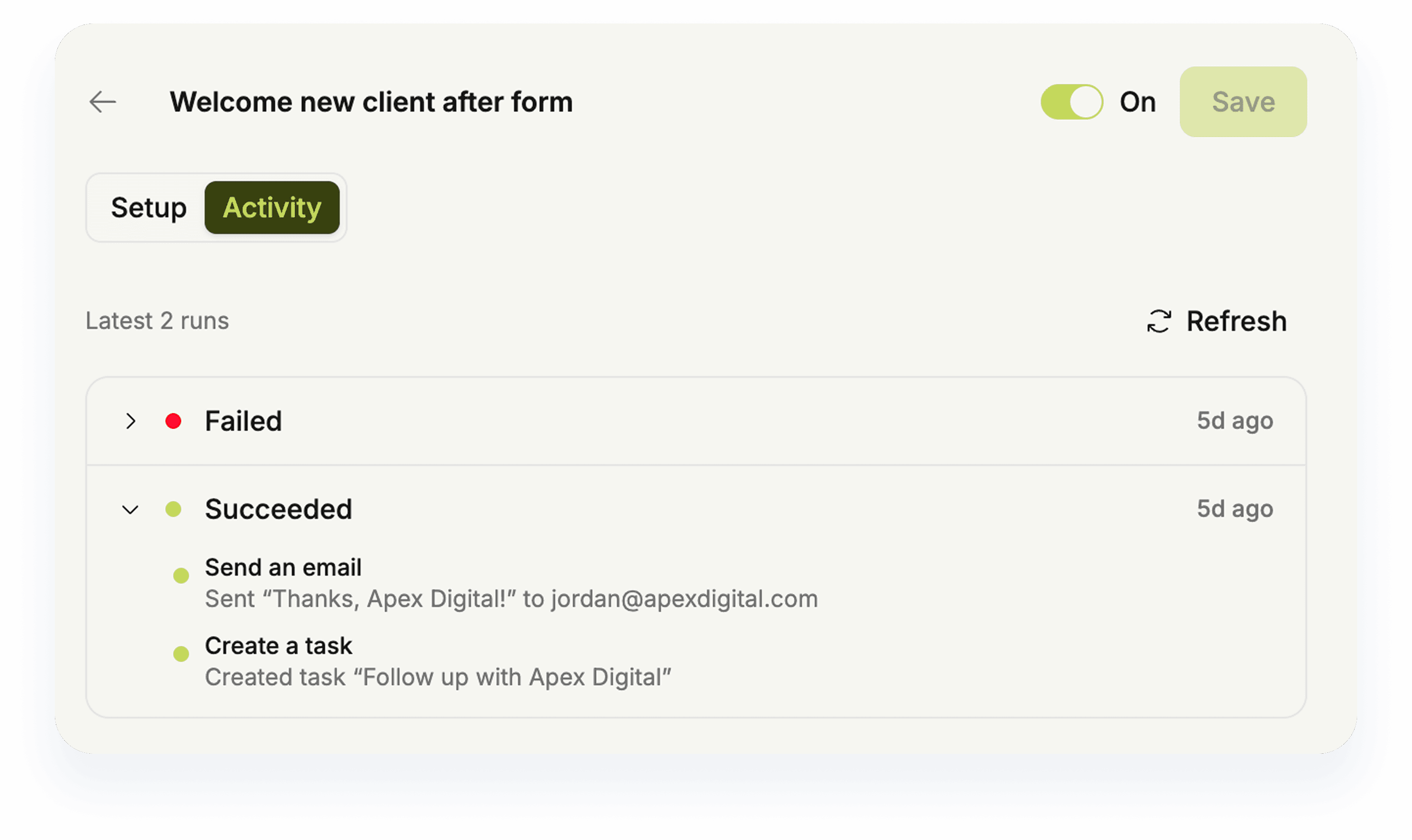
Stay in control of everything running in the background
Automation should make your business easier to manage, not leave you wondering what's happening behind the scenes. Wundesk gives every automation its own controls and activity log, so you can see when it has run and keep track of its activity. Switch individual automations on or off whenever your processes change, and stay informed about the actions being taken on your behalf.
Who is this for
Every business has tasks that happen over and over again. From welcoming new clients to sending reminders and keeping your team informed, these small interactions take time that could be spent elsewhere. Wundesk helps you turn those repeatable processes into workflows that run automatically.
Freelancers with repeatable onboarding processes
Welcome new clients consistently without manually sending the same emails every time. When an intake form is submitted, trigger a thank-you message and create the tasks you need to get started.
Designers managing multi-stage projects
Keep work moving between stages without manually notifying everyone involved. Trigger the right actions when tasks are completed, so the next person knows when it's their turn.
Studios coordinating client relationships
Keep your team informed when something important happens. Notify the right team members when a client submits information, a task is completed, or a workflow reaches its next stage.
Creatives who struggle to follow up consistently
Stop relying on memory to send that reminder you've been meaning to write. Schedule follow-up actions as part of an automation, so clients hear from you even when your attention is elsewhere.
Set it up once and let it run.
Request Beta Access