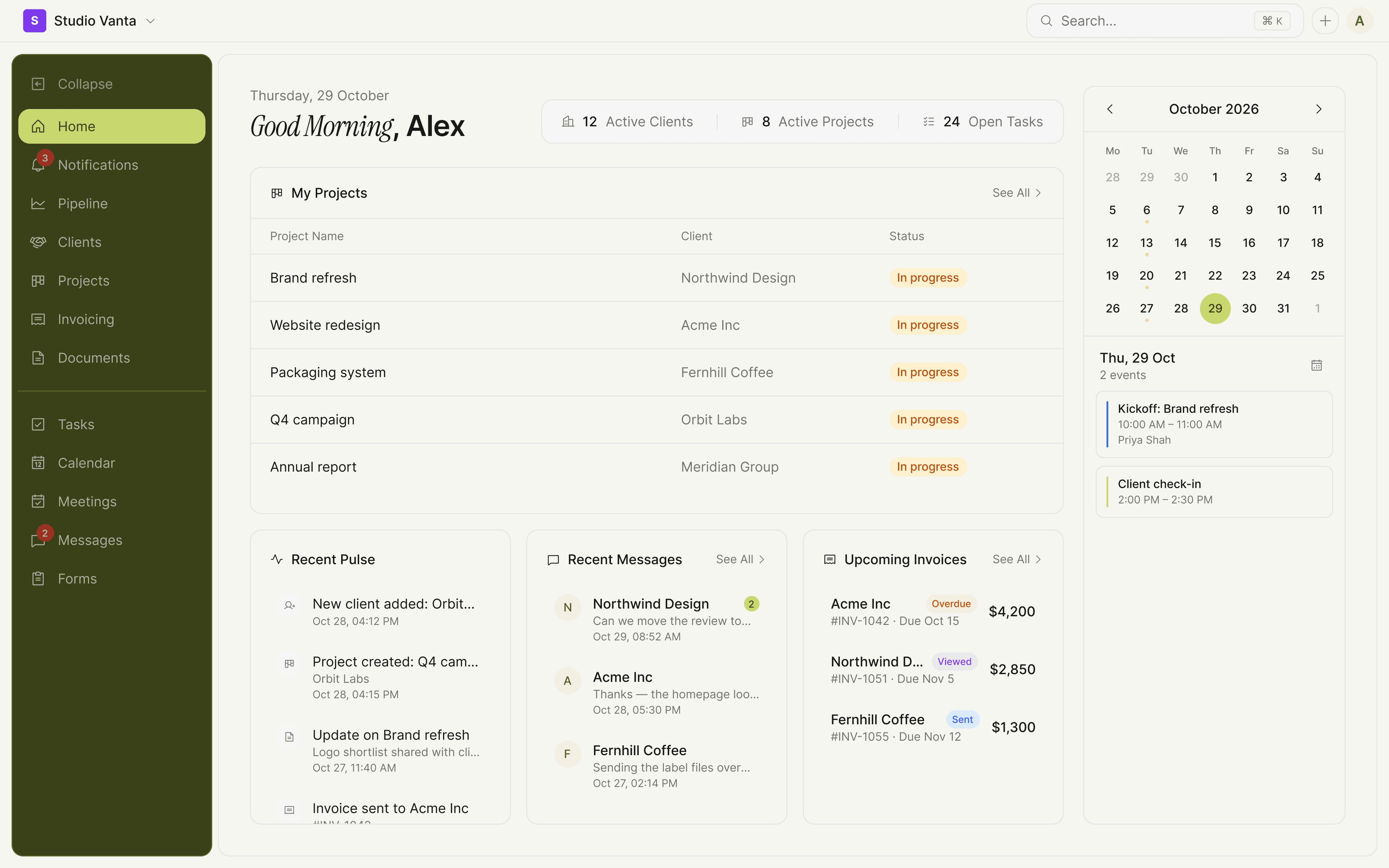
Give clients a simple way to request time with you directly from their portal. Set up the meetings you offer, collect the details you need upfront, and manage every booking without the endless back-and-forth.
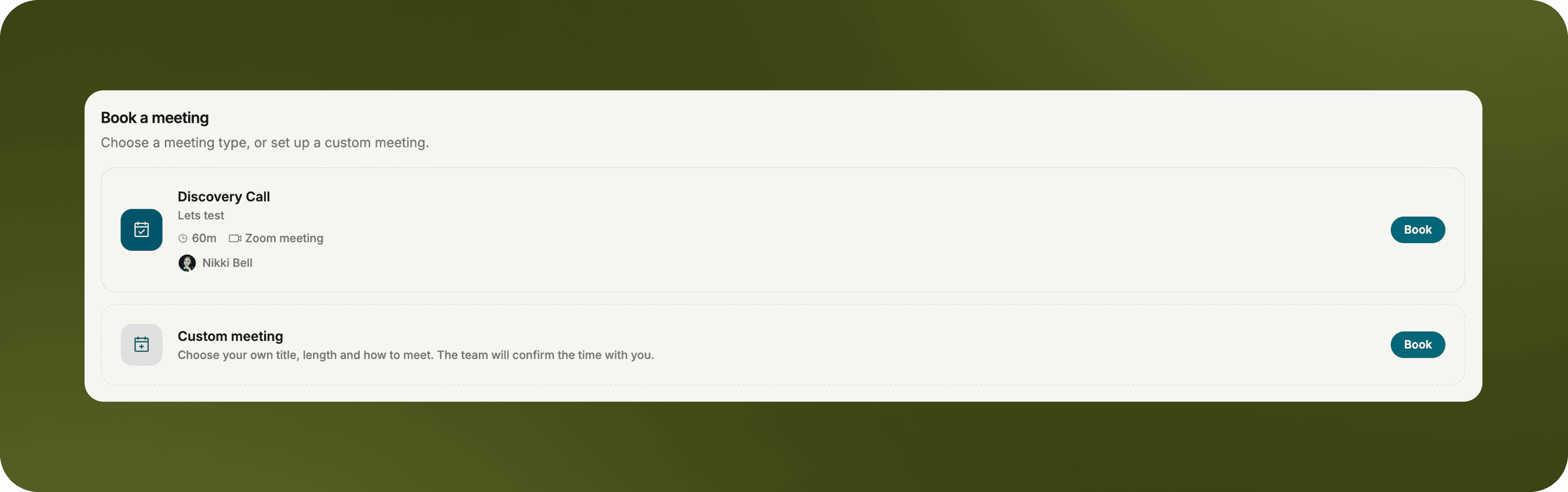
When your meetings are connected to the rest of your business, you have the context you need before the conversation even starts.
Give every meeting a purpose
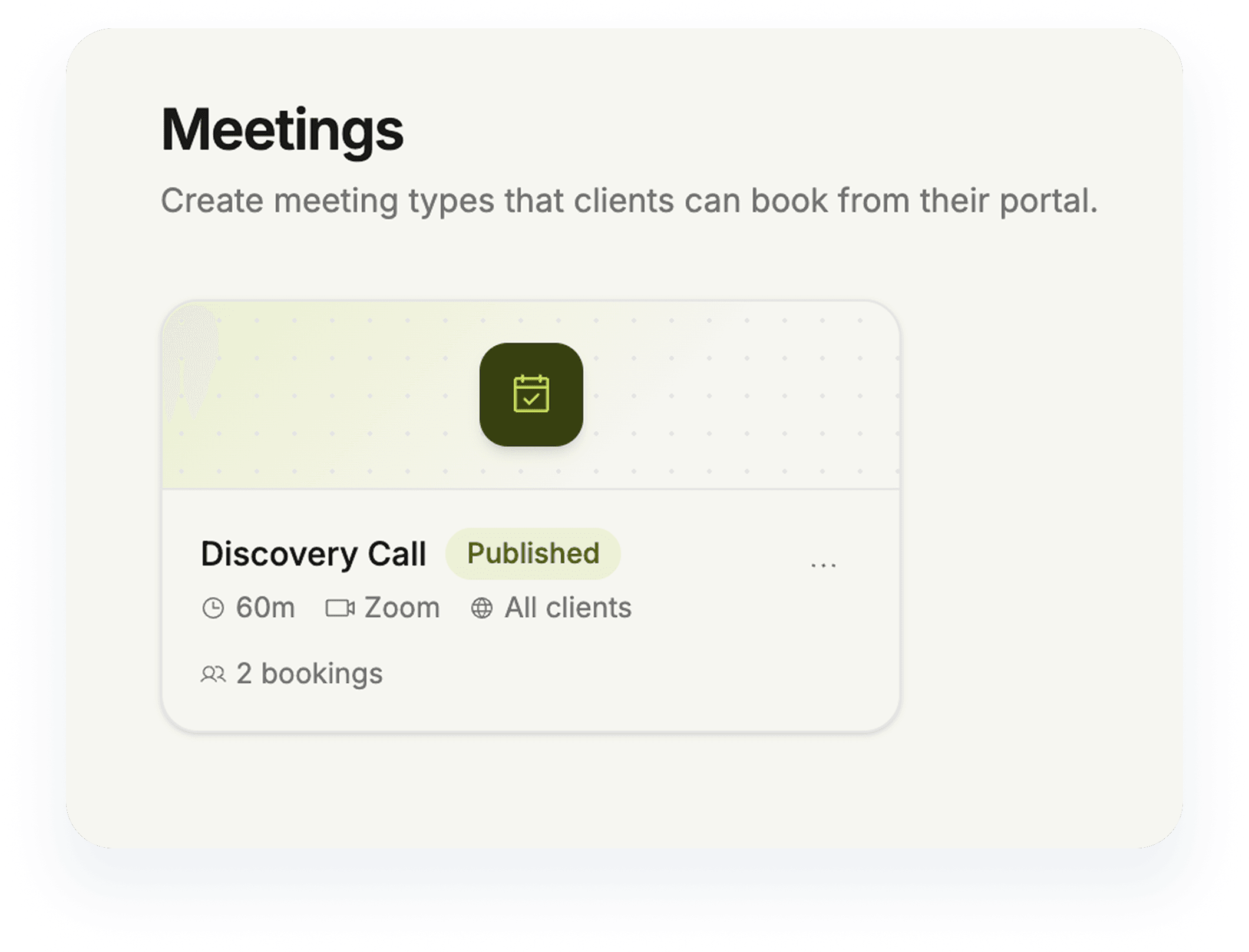
Not every conversation needs the same amount of time or the same people in the room. Instead of coordinating every call individually, create meeting types for the conversations you regularly have with clients. Set the duration, format, and host for each one, so clients can choose the meeting that actually fits what they need.
Get the context before the conversation starts
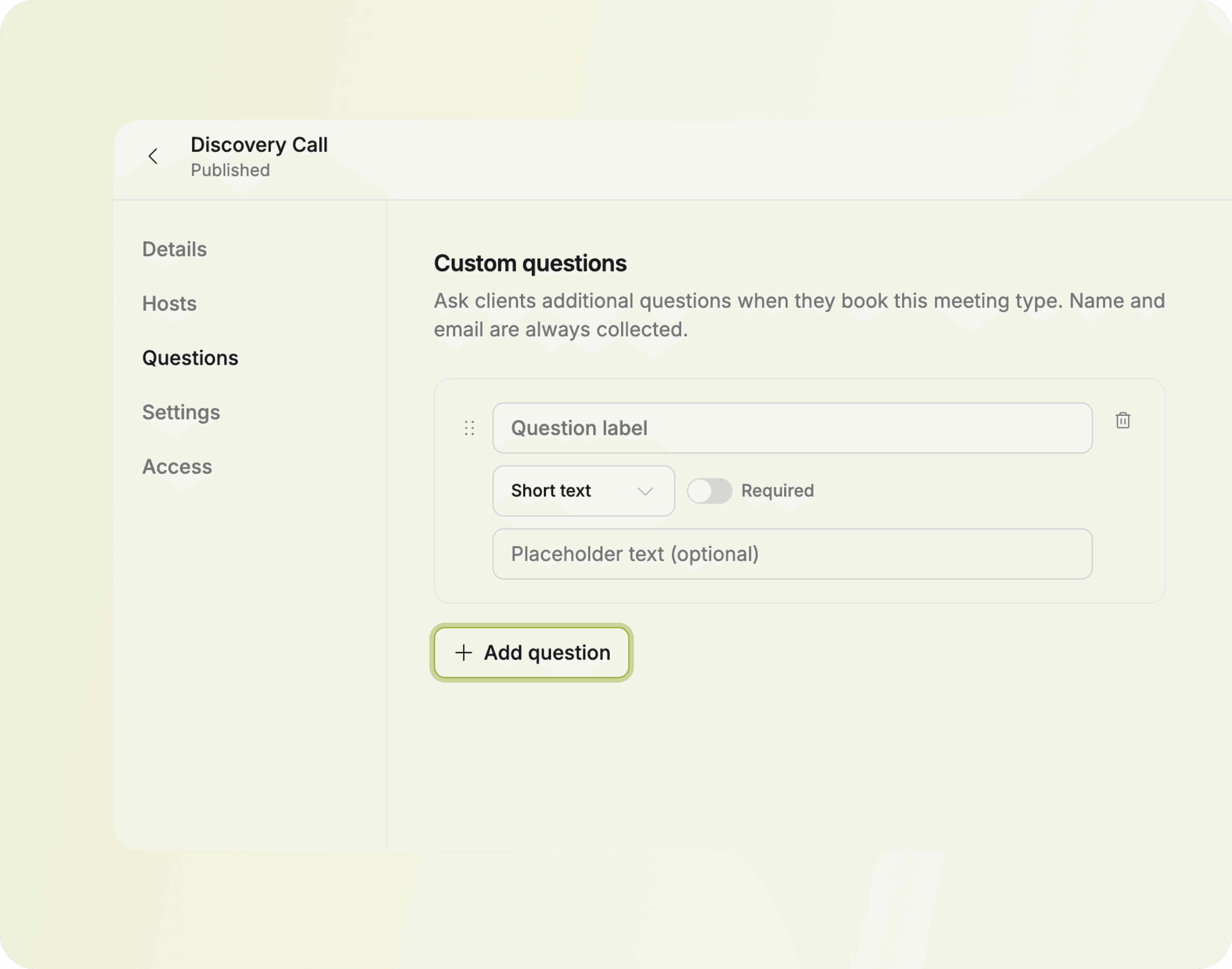
There's nothing worse than spending the first few minutes of a meeting trying to work out why everyone is there. Add custom questions to each meeting type to collect the information you need when a client makes a booking.
Decide who gets access to your time
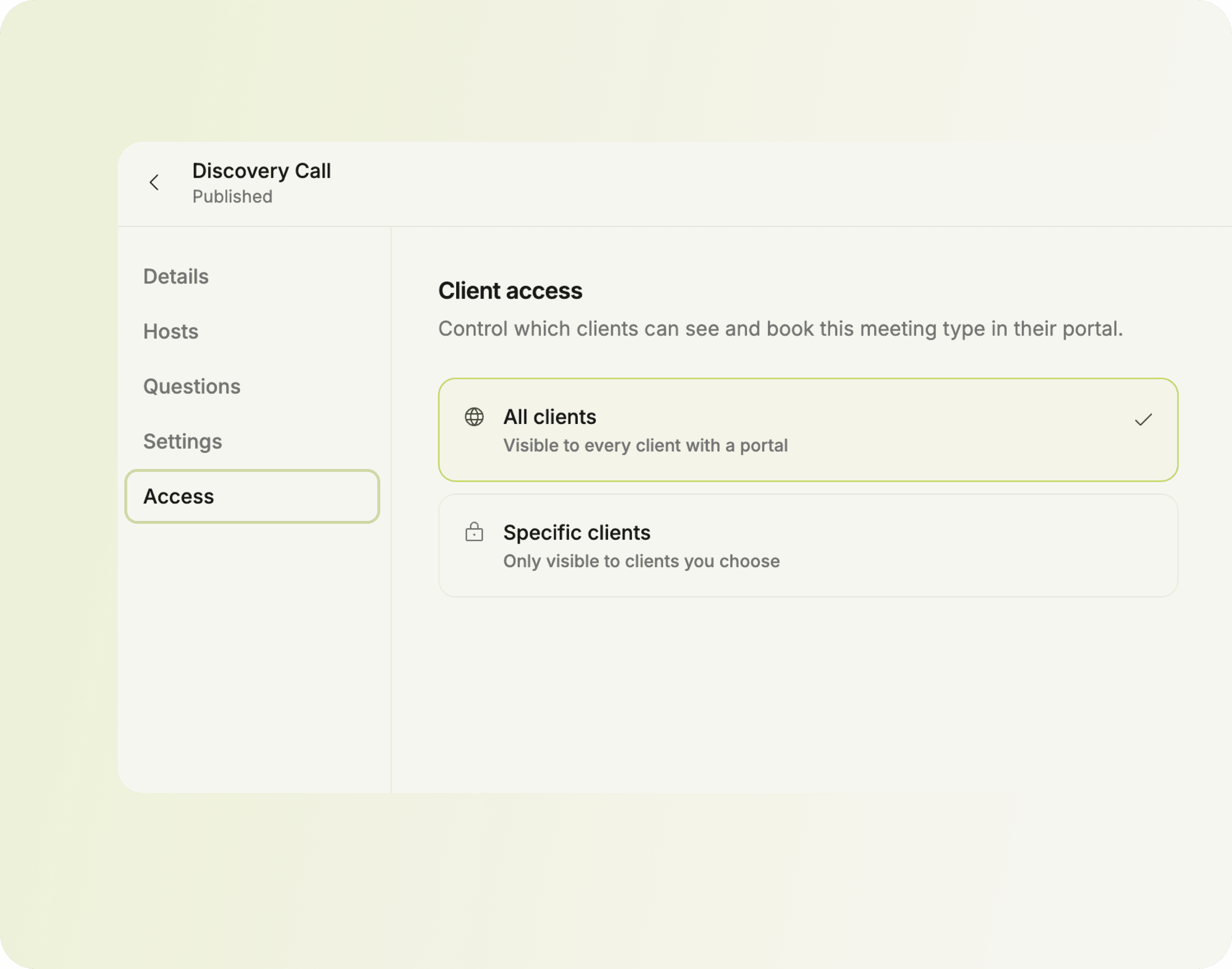
Choose whether a meeting type is available to everyone or restrict access to selected clients. Publish meeting types when you're ready to offer them, and archive them whenever your availability or process changes.
Let clients find a time that actually works
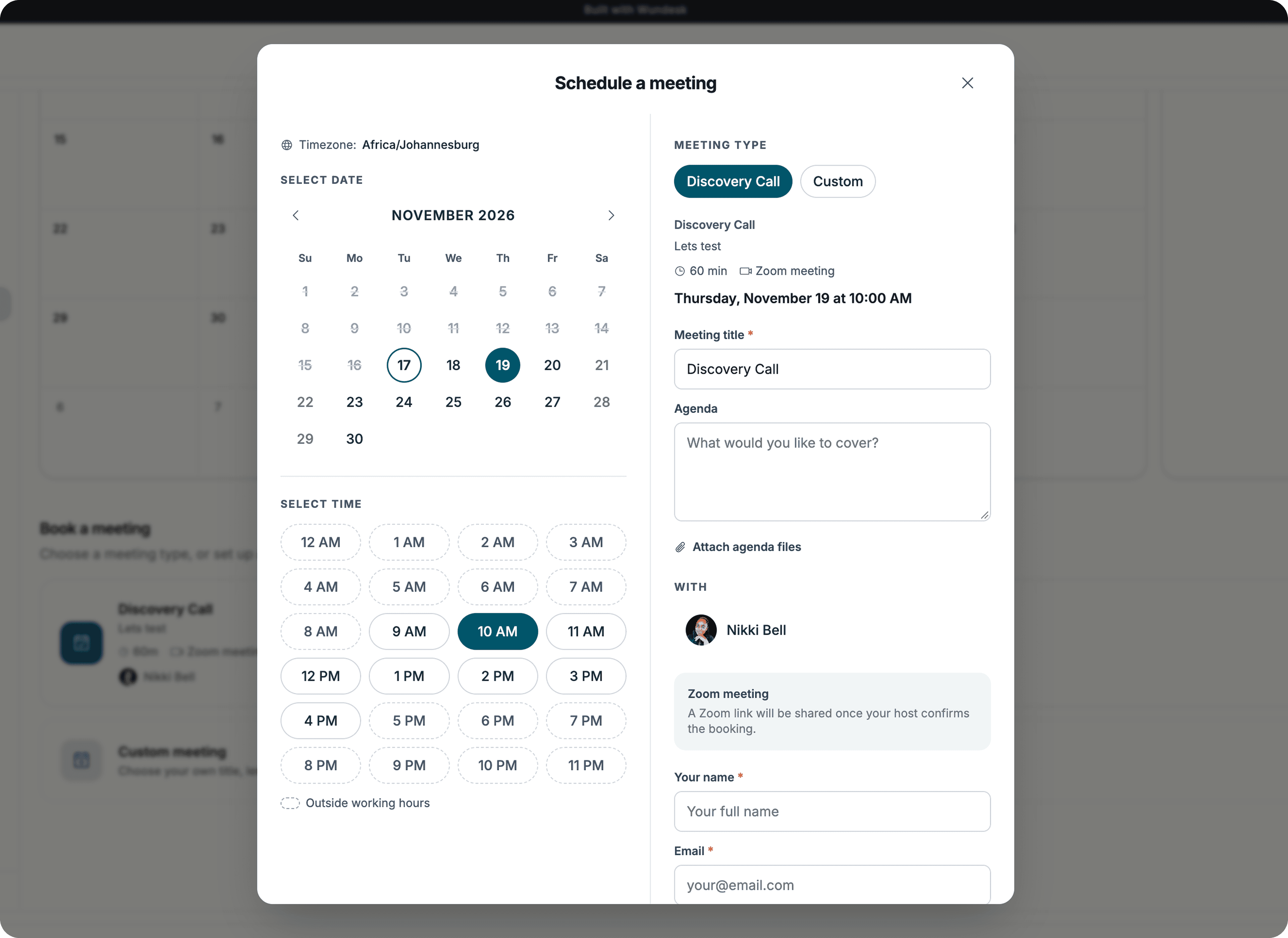
Stop spending your time suggesting dates, checking availability, and waiting for clients to reply. Clients can view your available meeting types directly from their portal, choose a suitable date and time, and submit a booking request.
Keep the final say over your calendar
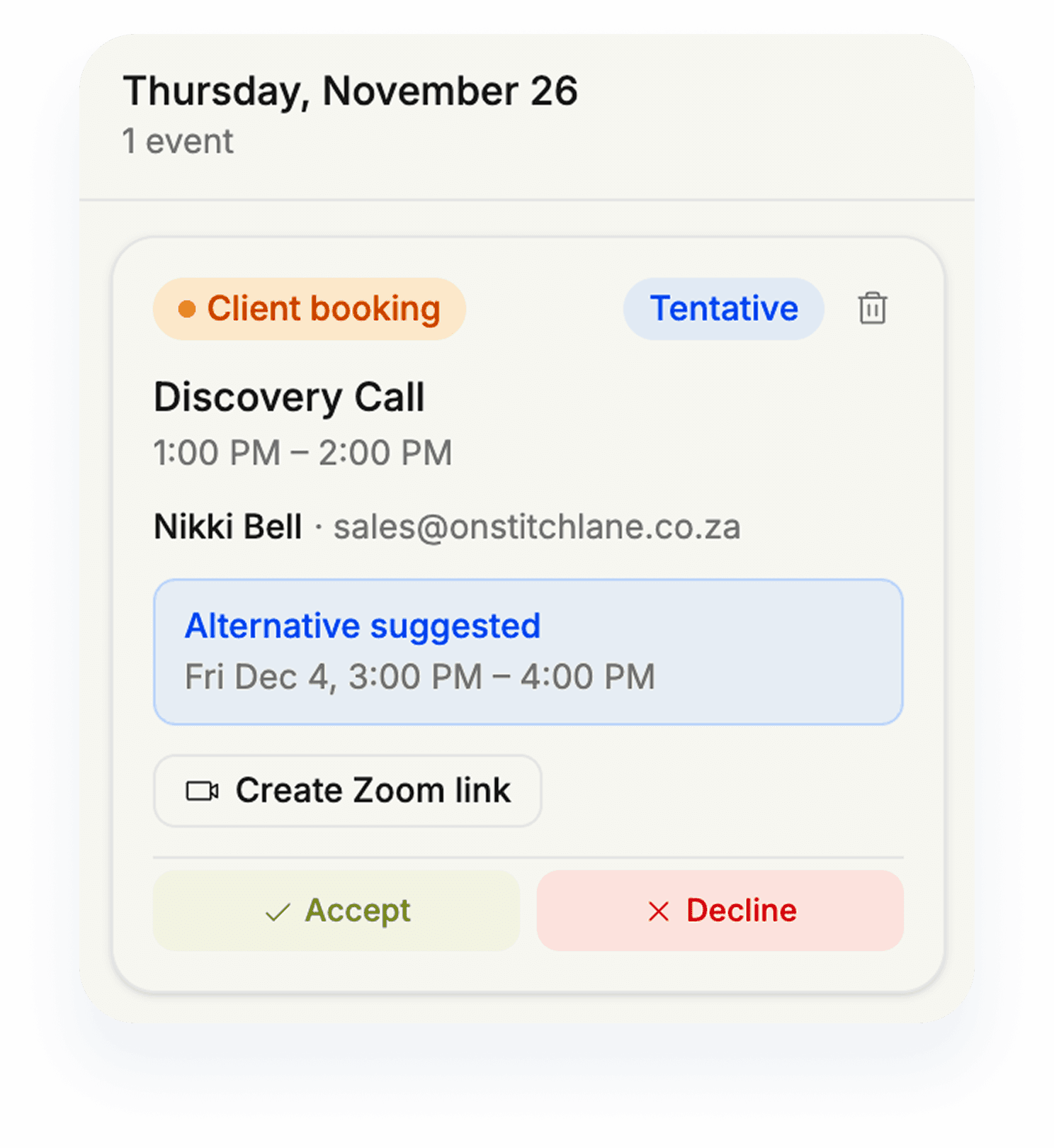
Every booking request is clearly identified so you can review it before deciding what happens next. Accept the request, mark it as tentative, suggest an alternative time, or decline it with a note. Your clients get a convenient way to request your time, while you decide which commitments make sense.
Who is this for
Whether you're speaking to prospective clients, reviewing creative work, or coordinating with your team, finding a time that works shouldn't take more effort than the meeting itself. Wundesk makes it easier to organise client meetings around the way your business actually operates.
Freelancers booking discovery calls
Give prospective clients a straightforward way to request an introduction. Let them choose a suitable time and tell you what they're looking for before you meet.
Designers offering different types of consultations
Separate quick check-ins, design reviews, and project discussions into their own meeting types. Give each conversation the right amount of time and the right format.
Studios coordinating client meetings
Set up different meeting types with designated hosts, and control which clients can request each one. Make it easier to manage bookings across your team.
Creatives who want control over their availability
Make it convenient for clients to request your time without automatically committing your calendar. Review every request and decide whether to accept, reschedule, or decline.
Clients ask for a time from their portal.
Request Beta Access